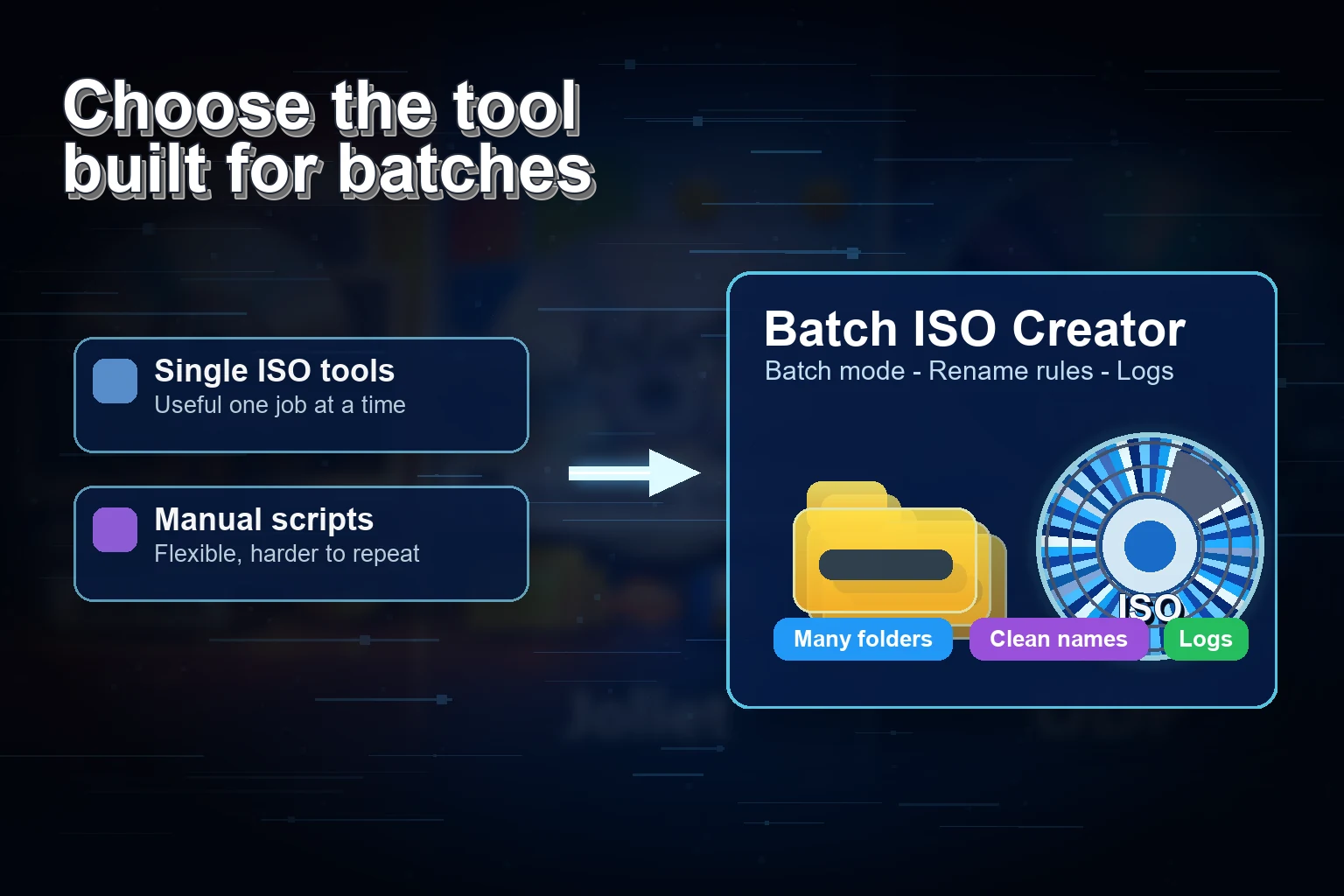
Best ISO Maker for Windows 11 Folders
Compare ISO maker options for Windows 11 folders and choose the right workflow for batch jobs, clean names, logs, reports, and local review.
Read Article
Guides, comparisons, and tutorials on batch ISO creation, folder-to-ISO conversion, and Windows ISO workflows.
Compare ISO maker options for Windows 11 folders and choose the right workflow for batch jobs, clean names, logs, reports, and local review.
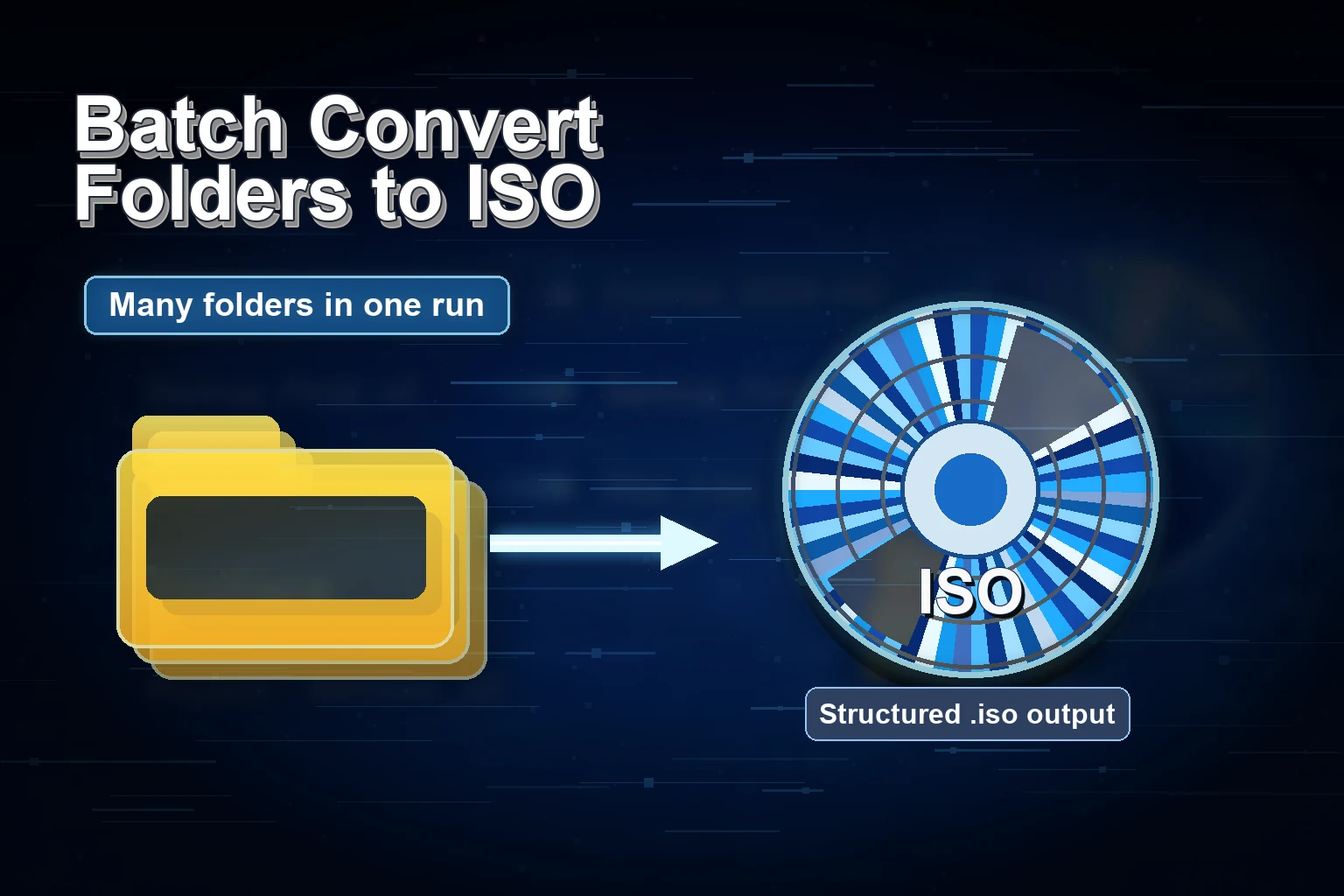
Create an ISO from a folder on Windows 11 with a local workflow: prepare files, choose Folder or Batch Mode, rename output, check logs, and mount the result.
Compare online folder-to-ISO converters with local Windows tools for privacy, large folders, batch jobs, rename rules, logs, and repeatable output.
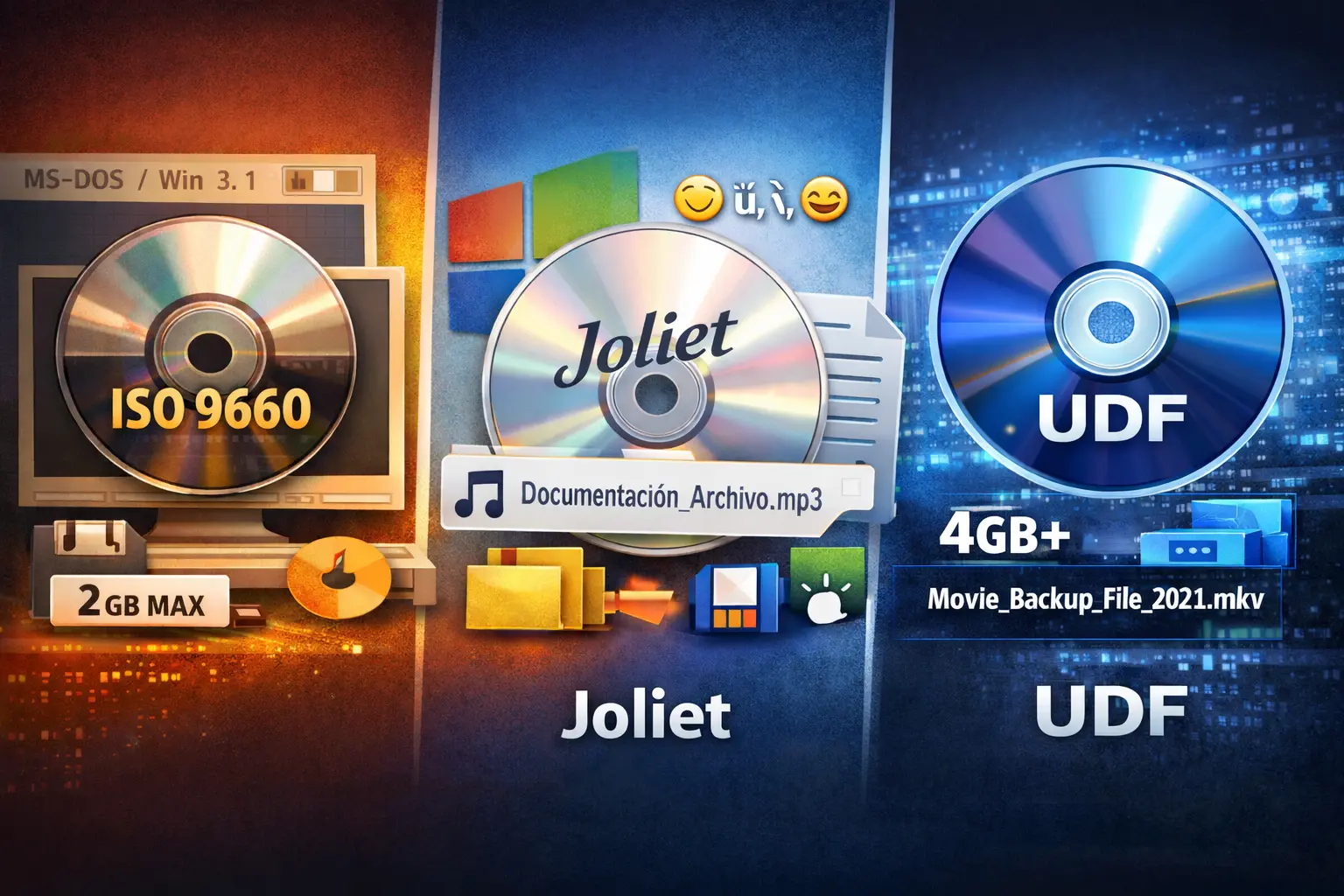
Compare UDF and Joliet for Windows folder archives: long names, large files, compatibility, and when each choice fits.
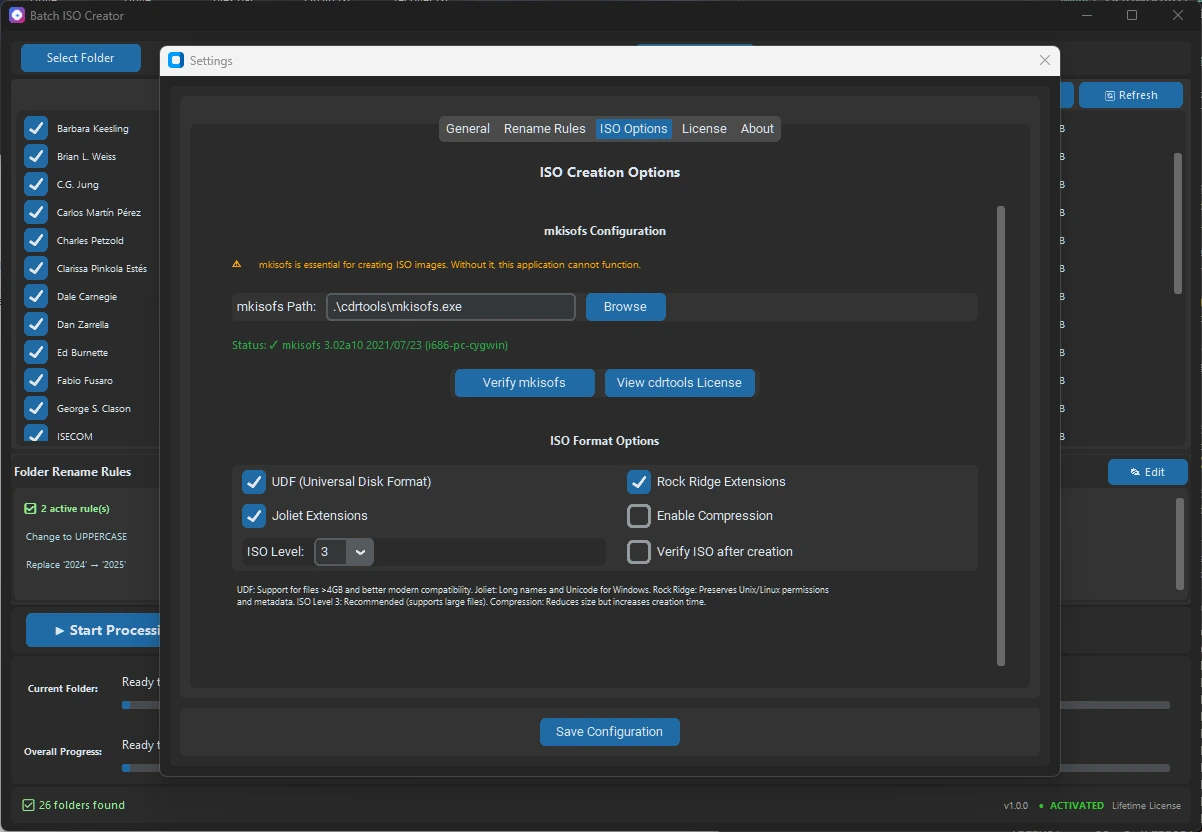
Learn what Joliet adds to ISO files, when Windows users need it, how it differs from ISO 9660 and Rock Ridge, and how to avoid name problems.
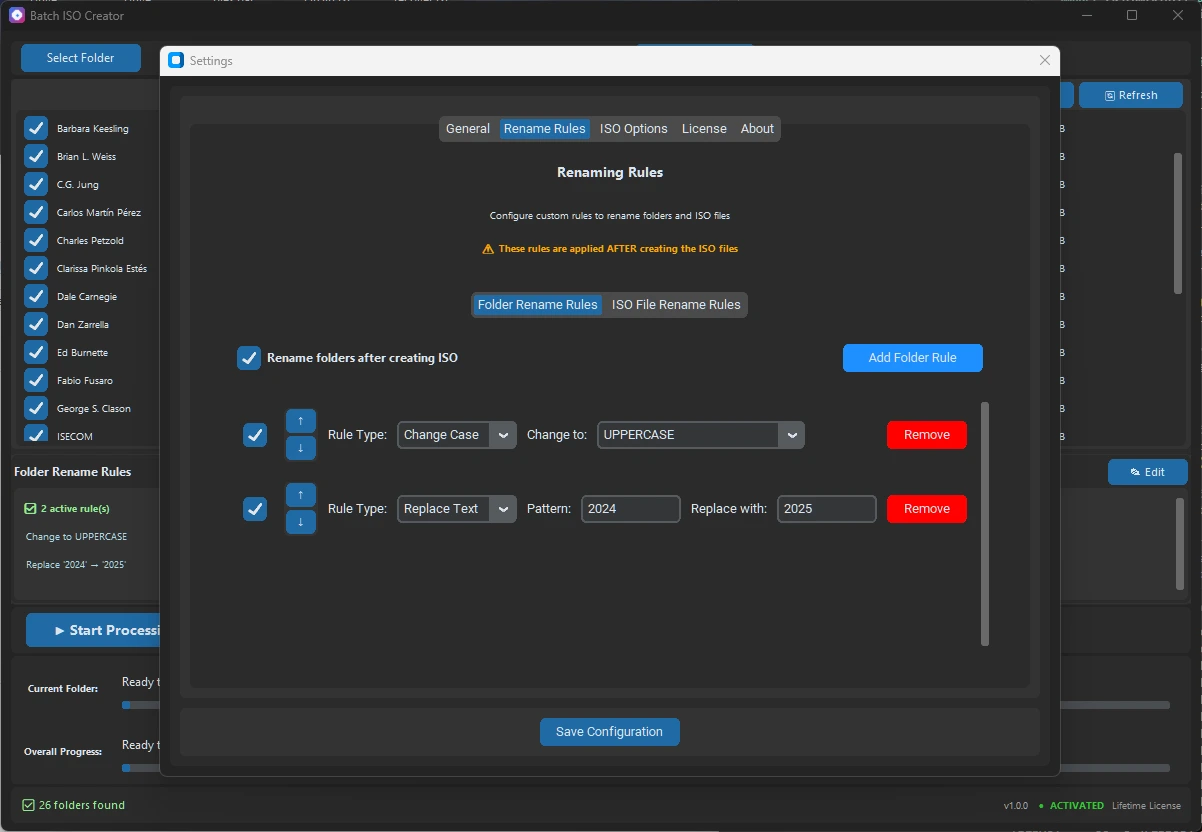
Avoid duplicate ISO file names in Windows batch jobs with source cleanup, output folders, rename rules, serialization, logs, and reports.
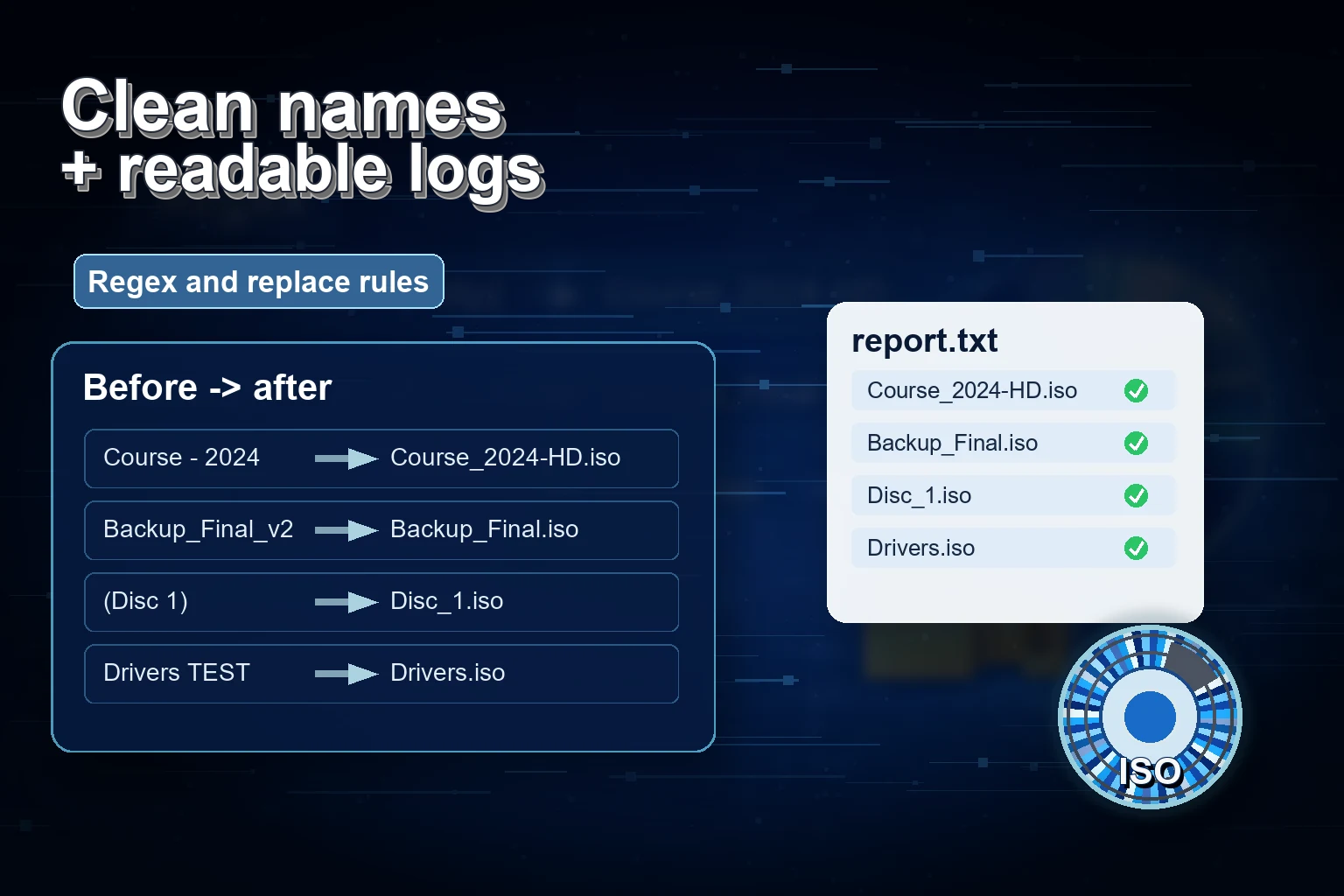
Fix ISO creation failed on Windows by checking names, paths, disk space, output folders, ISO settings, logs, and batch reports.
Choose where to save ISO files before a Windows batch run so output stays separate, reviewable, and ready to deliver.
Fix invalid characters in ISO file names before Windows folder-to-ISO runs, with clean folders, labels, rename rules, logs, and safer batch output.
Learn what mkisofs does, how ISO 9660, Joliet, and Rock Ridge fit, and when a GUI folder-to-ISO workflow is safer on Windows.
Use serialization rename rules to number folder and ISO names before Windows batch ISO jobs, with examples for clean output sets.
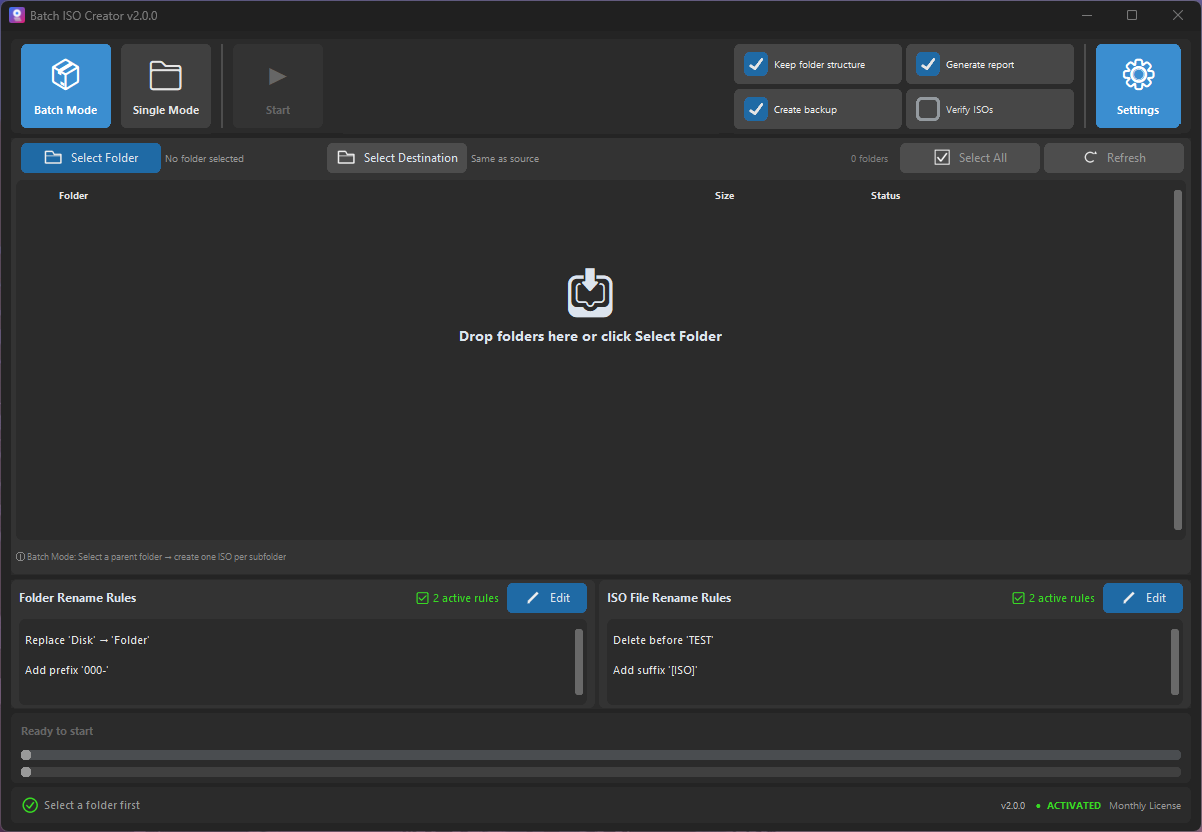
Organize ISO files on Windows after folder-to-ISO creation: naming, mounting, review steps, and when Batch ISO Creator ISO Library helps.
Choose Batch Mode or Folder Mode for Windows folder-to-ISO work, from one free test ISO to repeatable batch runs with clean names and reports.
Mount, inspect, and review ISO files after creation on Windows so folder structure, names, logs, and delivery notes are correct.
Mount, open, and unmount ISO files for free on Windows, then use Batch ISO Creator when folder-to-ISO work needs control.
A practical guide to Rock Ridge, Joliet, ISO 9660, and rename rules when turning Windows folders into portable ISO archives.
A practical checklist for folder names, ISO names, volume labels, Joliet Long, and rename rules before creating Windows-friendly ISO archives.
What Batch ISO Creator free mode covers, when one ISO per session is enough, and when repeated folder-to-ISO work needs unlimited output.
When to use Joliet Long, UDF, Rock Ridge, or rename rules before creating Windows-friendly ISO files from folders.
A practical guide for turning a parent folder into one clean ISO file per subfolder without repeating the same setup all afternoon.
A detailed guide to turning messy folder names into consistent ISO filenames before the final output reaches clients, archives, or teams.
A focused guide to the folder rename side of Batch ISO Creator, including how it differs from ISO file renaming.
A no-script workflow for users who want repeatable folder-to-ISO output without building and maintaining their own automation.
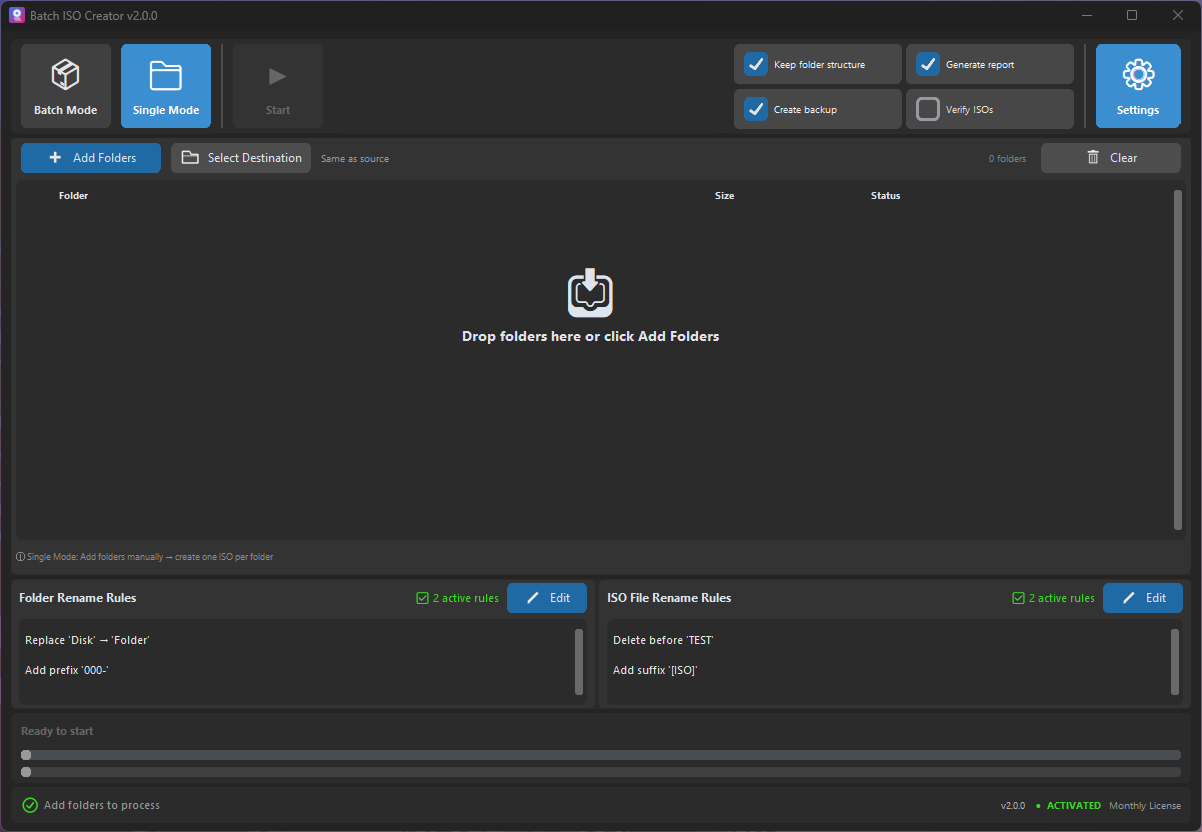
A product-focused guide to choosing the right mode before you create ISO files from folders on Windows.
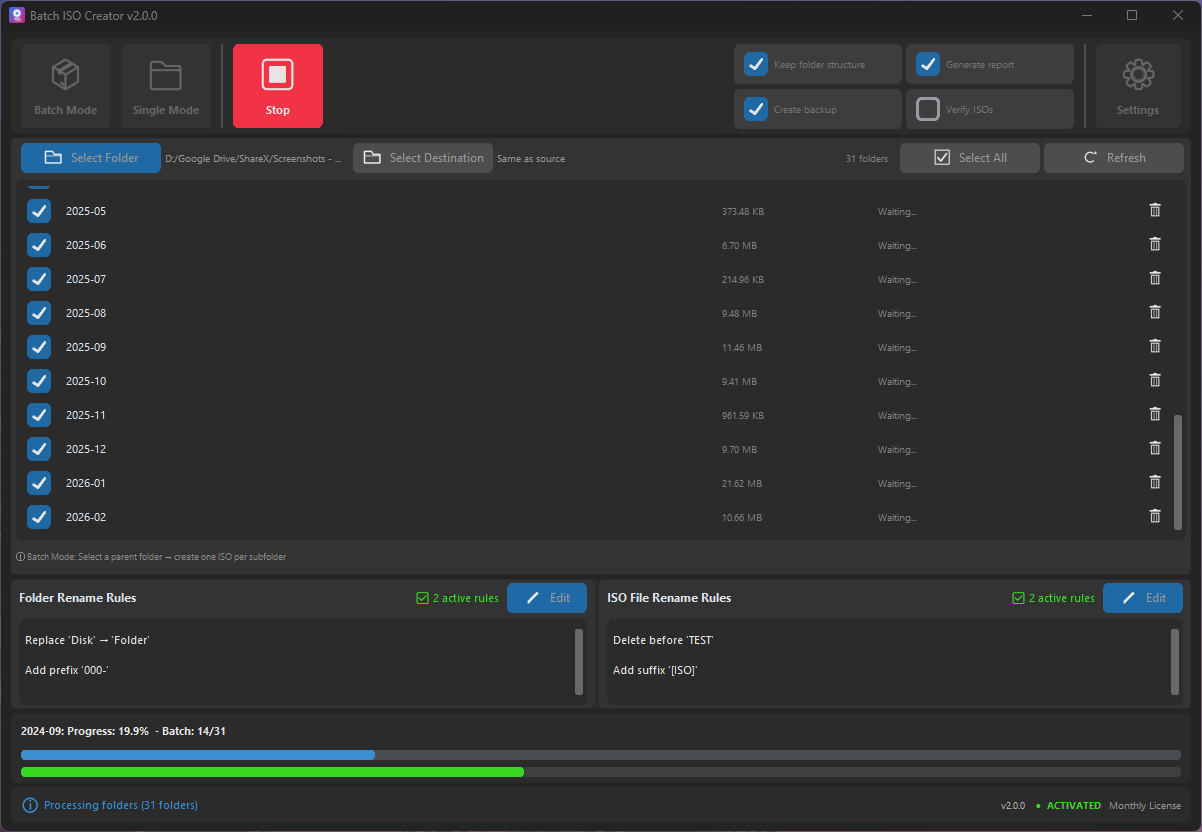
How IT technicians can package drivers, installers, utilities, and documentation into consistent ISO files without a slow manual loop.
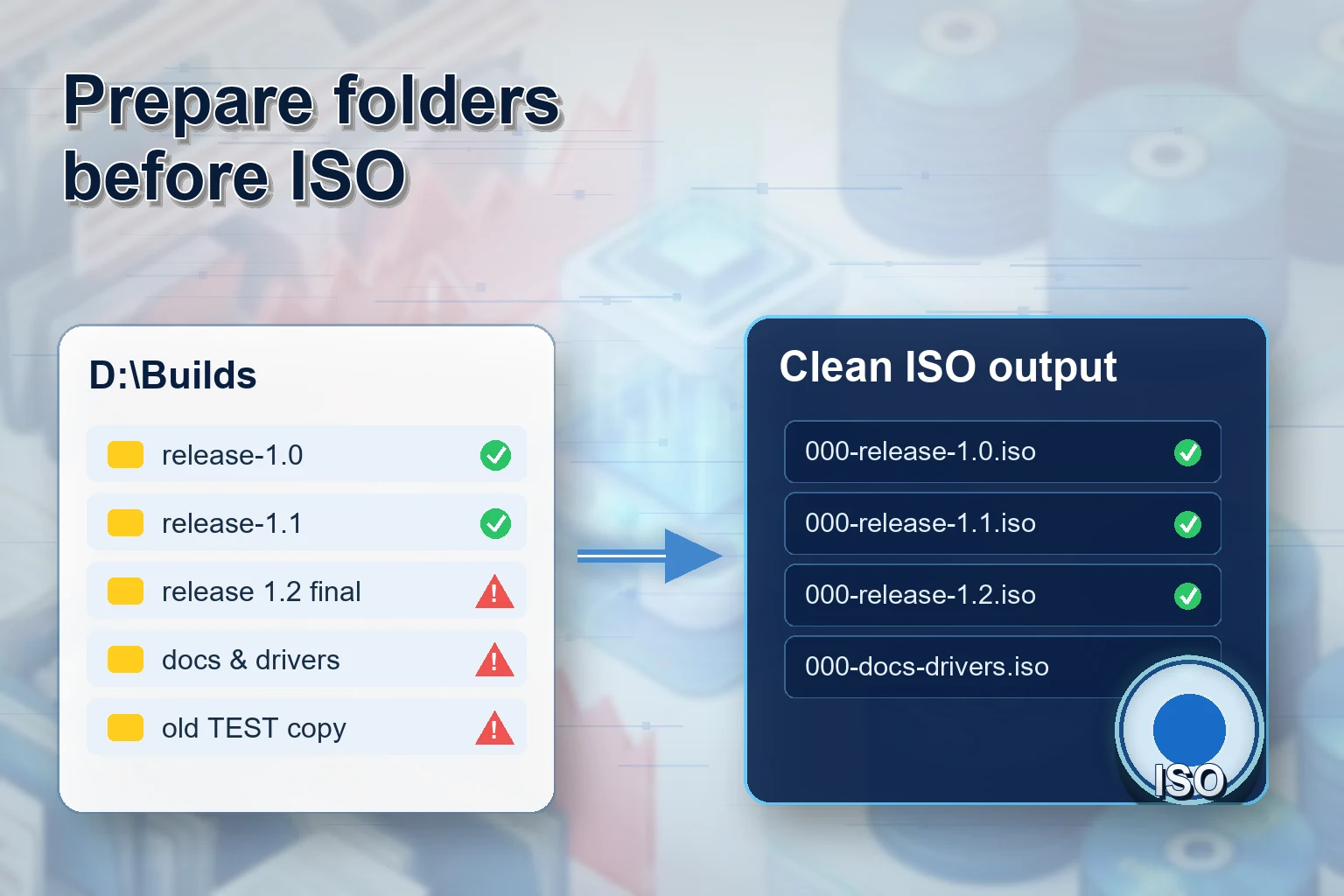
A release packaging workflow for teams that need clean versioned ISO files from build folders, client bundles, or offline installers.
A detailed checklist for turning client folders into professional ISO deliverables without sounding pushy or overcomplicated.
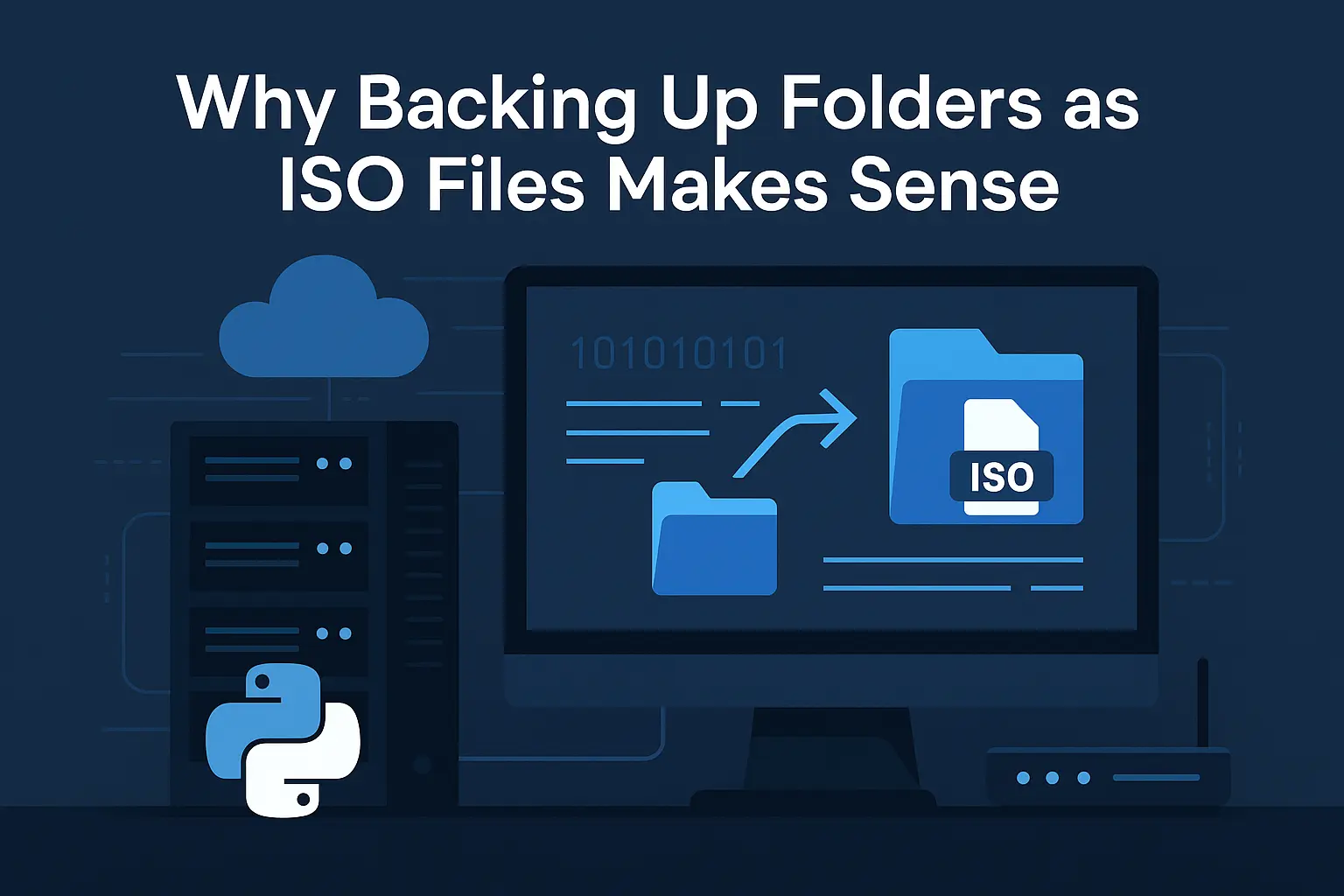
A practical archive workflow for turning completed project folders into ISO images that are easier to store, search, and reopen.
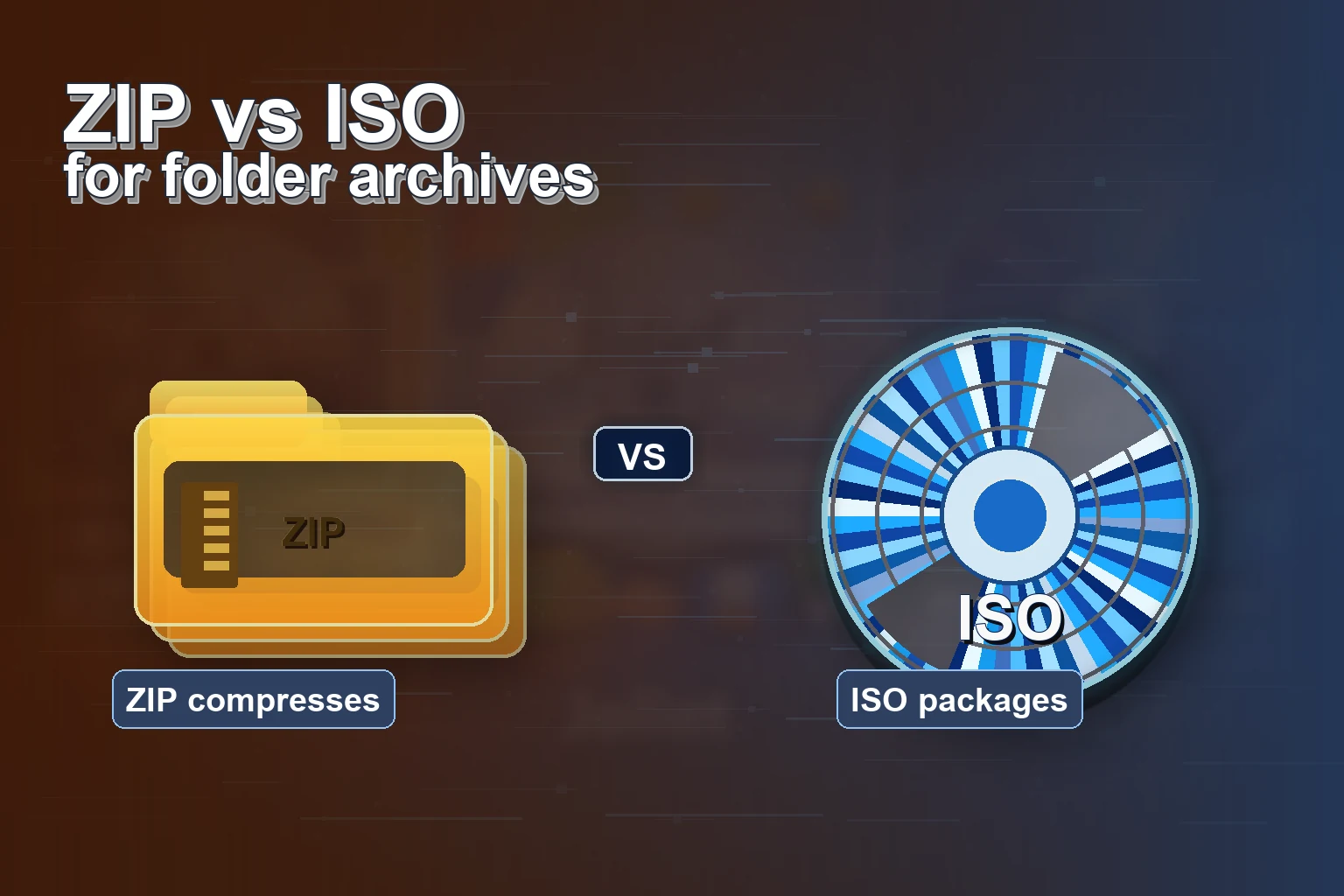
Turn course folders and lab kits into mountable ISO files that are easier to distribute, store, and reuse across classes.
A conversion-focused guide for users who want the fastest path from folder set to batch ISO output.
Rule-by-rule examples for turning inconsistent folder names into archive-ready ISO filenames.
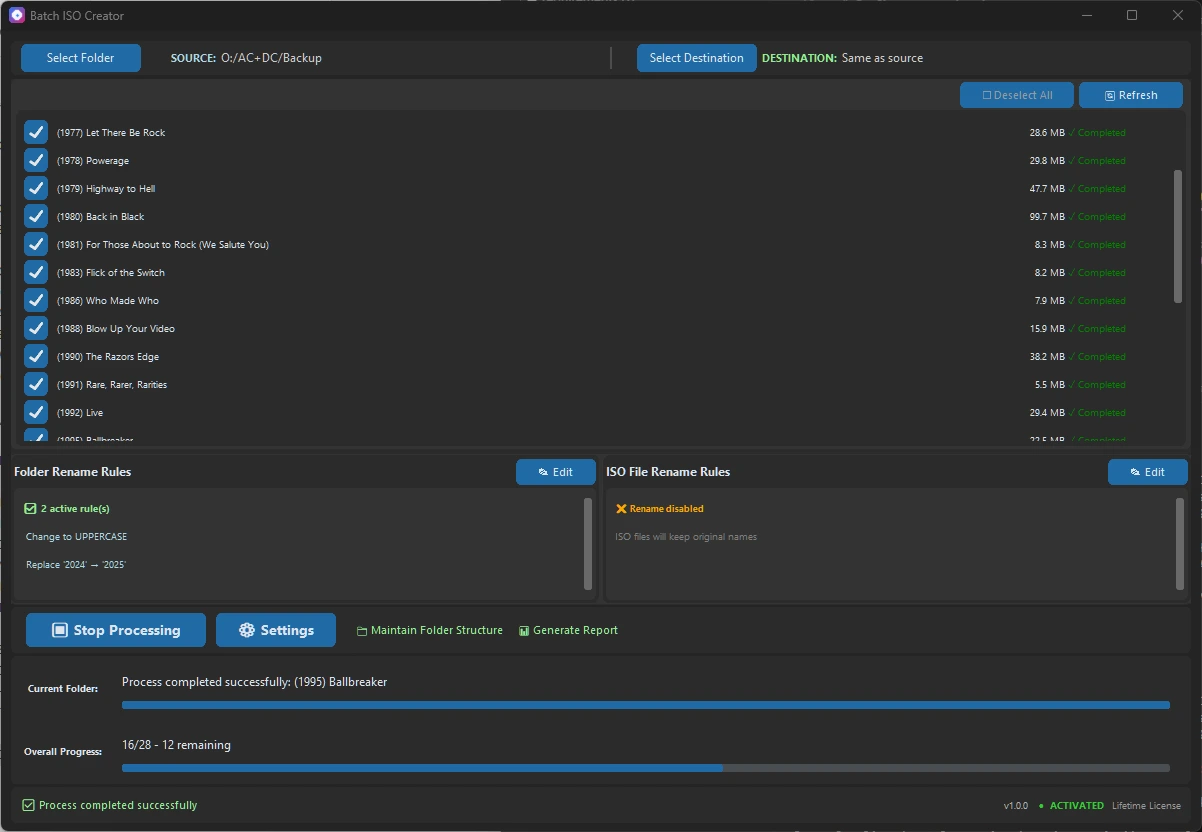
A reporting-focused guide for users who need proof, reviewability, and less uncertainty after a batch ISO run.
A VM lab packaging workflow for instructors, IT teams, testers, and anyone who attaches folders as ISO media.
A technician-friendly guide for creating model-specific driver ISOs that are easy to identify later.
A practical guide to avoiding the messy destination folder that usually appears after a big ISO batch.
A low-pressure buying guide for businesses that need organized folder archives without enterprise backup complexity.
A feature-detailed guide that connects ISO compatibility options to real archive and delivery decisions.
A course-delivery workflow for trainers who need repeatable module packages instead of loose folders.
A final pre-download style checklist for users who want confidence before they buy or run a large batch.
Compare Windows folder-to-ISO tools through the lens that matters most: batch output, clean names, logs, and repeatable workflows that save real time.
A practical upgrade path for users who like simple folder-to-ISO tools but now need many folders, naming rules, reports, and a smoother Windows workflow.
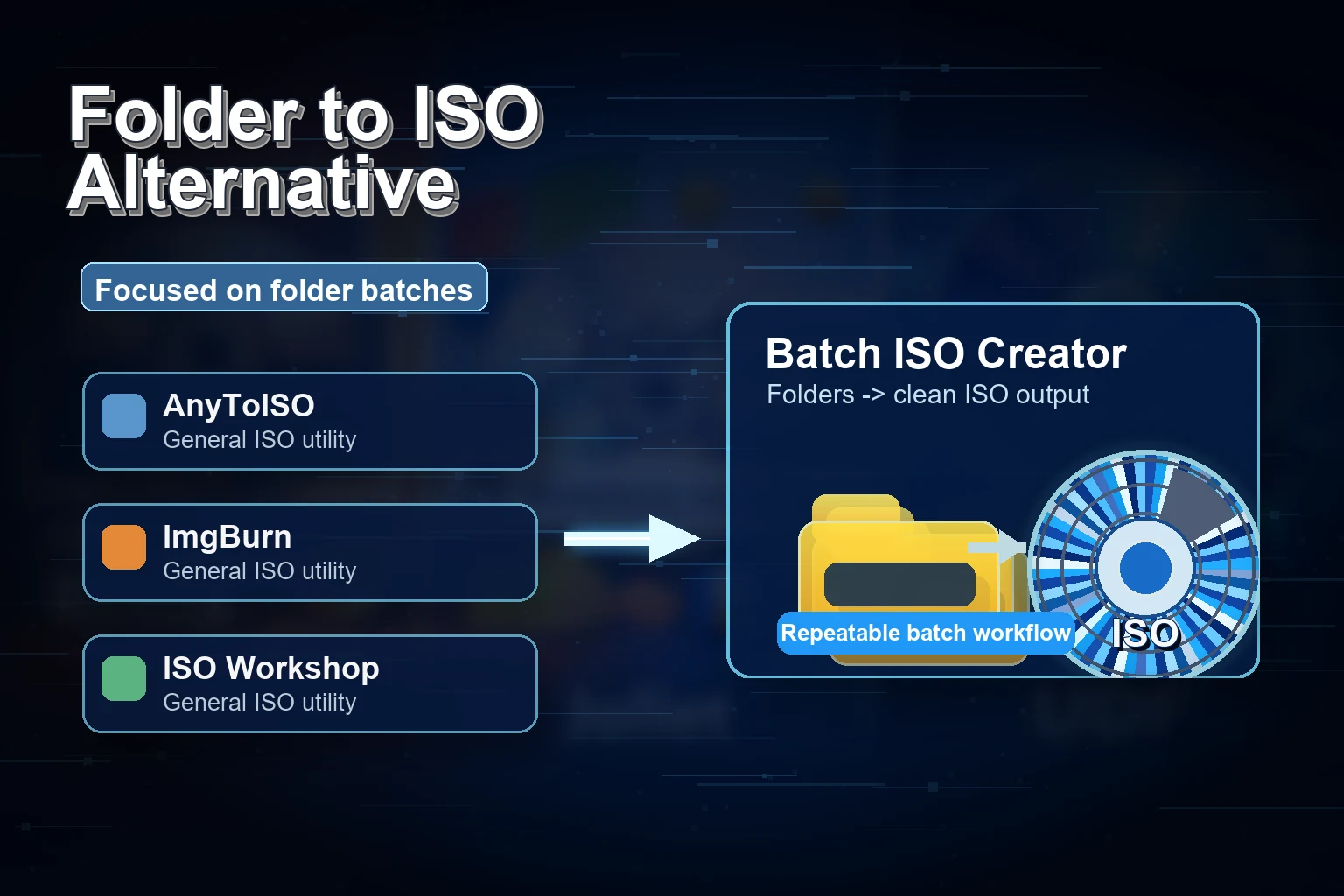
ImgBurn is a classic. This guide shows where Batch ISO Creator fits better: high-volume Windows folder packaging with cleaner names and logs.
AnyToISO is useful for conversion tasks. Batch ISO Creator is the focused choice when the job is many Windows folders to many clean ISO files.
A practical Windows workflow for preparing a parent folder, applying naming rules, creating one ISO per folder, and checking logs.
ZIP compresses. ISO packages. Learn when ISO makes more sense for structured archives, lab kits, and folder distribution.
Clean source folders, choose naming conventions, avoid long filename issues, and run safer folder-to-ISO batches.
PowerISO is a broad ISO suite. Batch ISO Creator is the focused choice when the job is many Windows folders to many ISO files.
ISO Workshop is friendly for general ISO work. Batch ISO Creator wins the folder batch workflow.
WinCDEmu is great for mounting and quick ISO tasks. Batch ISO Creator is built for clean folder creation at scale.
Learn how to batch rename files while creating ISOs using Batch ISO Creator. Deep dive into Regex, Replace, Case conversion, and more to standardize your archives.
Understand the differences between ISO 9660, Joliet, and UDF file systems. Learn which format to choose for maximum compatibility and large files.

Understand why ISO filenames are limited to 64 characters and how to fix it automatically using Joliet Long or rename rules.
Learn why ISO backups beat ZIP for long-term archives: structure preservation, compatibility, and cleaner reuse across platforms.
Step-by-step guide to batch convert multiple folders to ISO files on Windows 10/11 with Batch ISO Creator.
Compare top tools for batch ISO creation and see which folder-to-ISO converter delivers the best automation and logs.
Batch convert multiple folders to ISO files on Windows 10/11 with a fast, script-free workflow.

Batch ISO Creator is live on Product Hunt — a Windows app that batch converts folders to ISO with rename rules and logs.