WinCDEmu Alternative for Folder-to-ISO Creation
WinCDEmu is loved because it keeps ISO mounting simple. Batch ISO Creator is for the next workflow: creating clean ISO files from folders, especially when there are many folders.
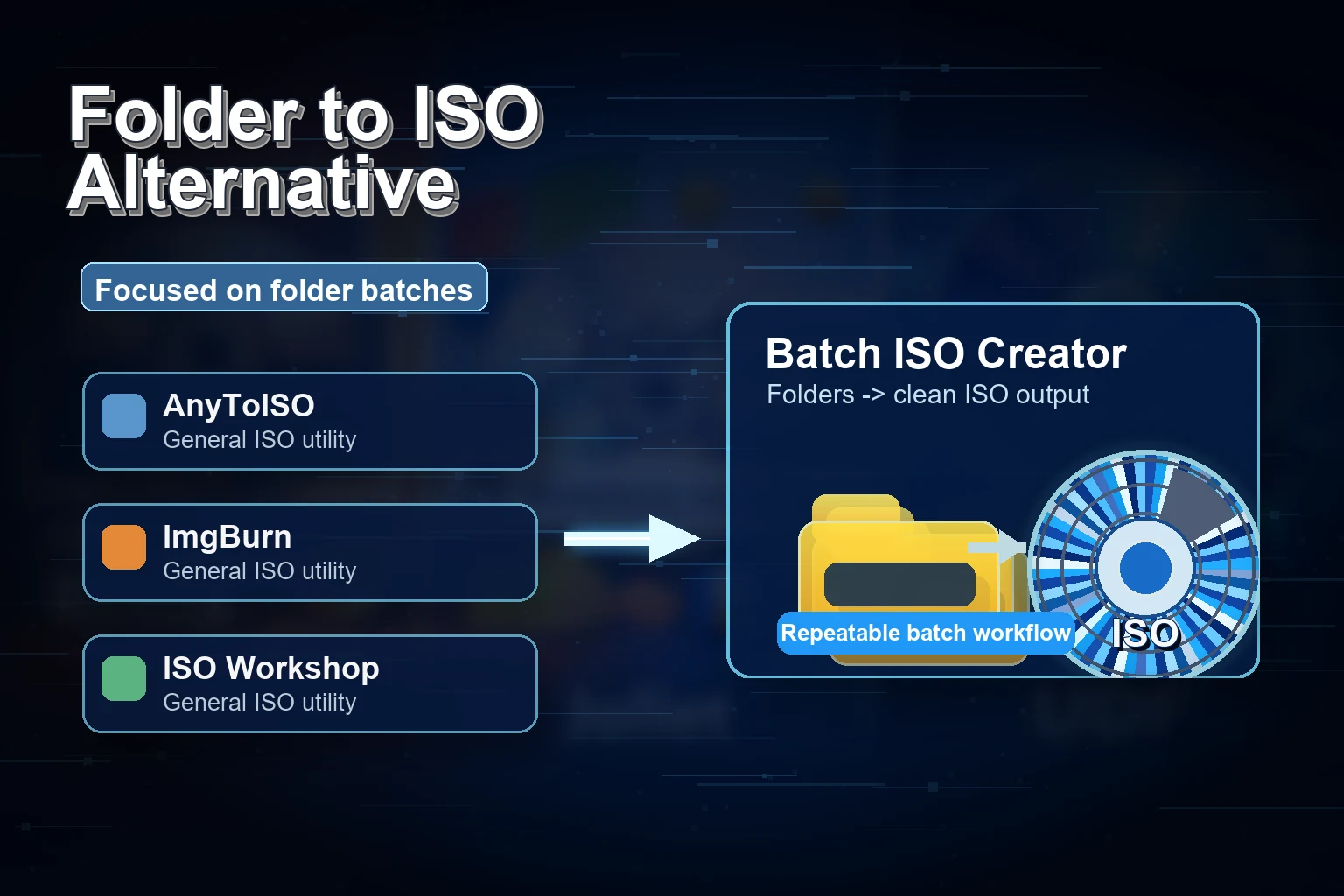
WinCDEmu is best known as a lightweight way to mount disc images on Windows. The project has also documented a "Build an ISO Image" option in its Windows Explorer context menu. That makes it convenient for quick ISO creation from a folder when you are already working in Explorer.
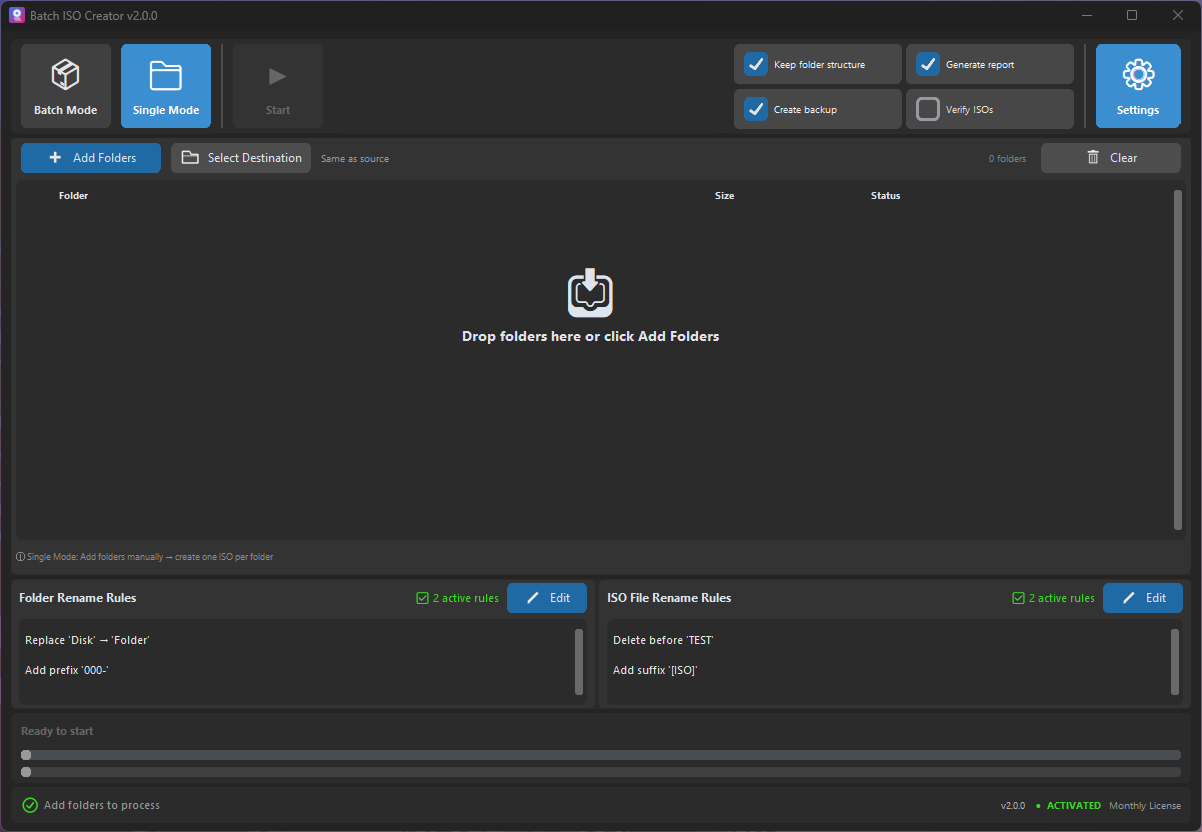
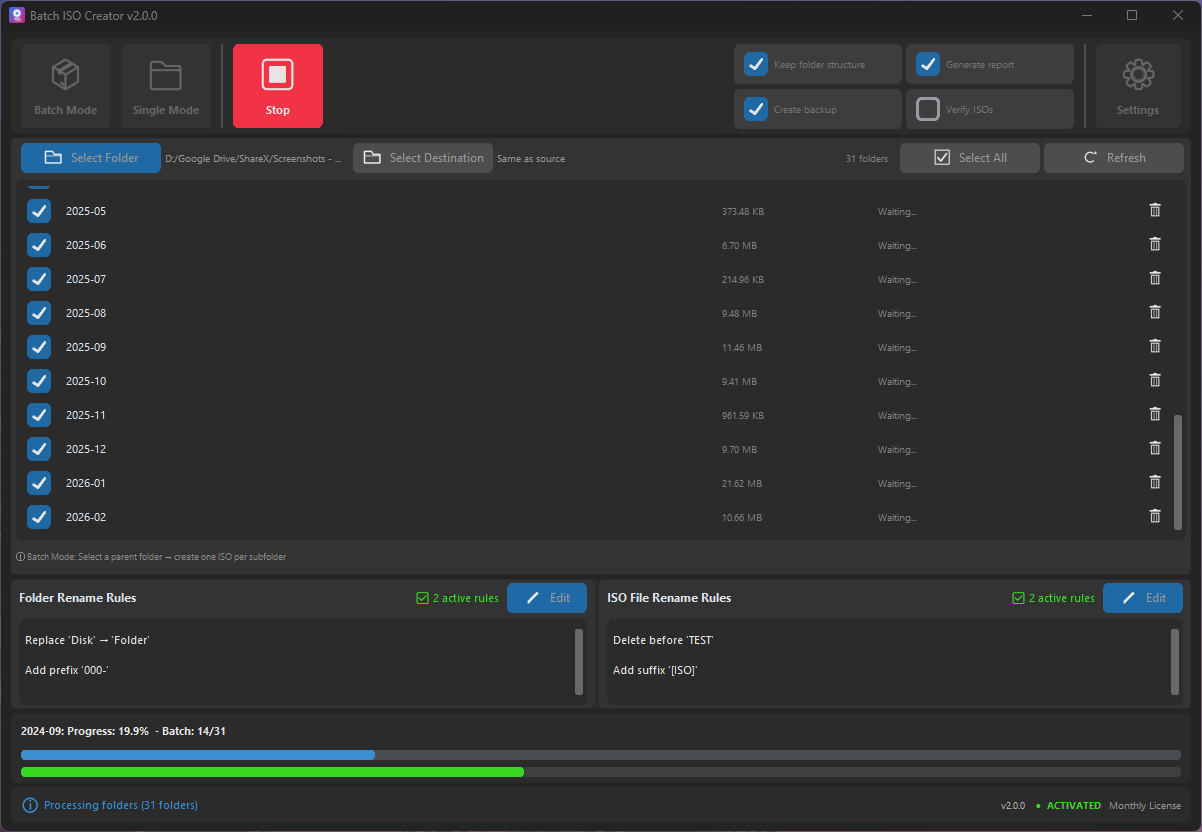
Batch ISO Creator aims at a different buyer. It is for the person who needs a more controlled folder-to-ISO workflow: many folders, consistent output names, progress, logs, and repeatable Windows productivity. It now also includes free ISO Mounting for single images, but its main value is still controlled folder-to-ISO work.
Recommendation: Use WinCDEmu when you want a tiny dedicated mounter. Use Batch ISO Creator when you want folder packaging at scale plus occasional in-app ISO mounting.
WinCDEmu vs Batch ISO Creator
| Need | WinCDEmu fit | Batch ISO Creator fit |
|---|---|---|
| Mount existing ISO files | Excellent lightweight fit | Free single-ISO mount, open, and unmount from the app; not a full virtual-drive suite |
| Quick ISO from one folder | Convenient context-menu style workflow | Folder Mode provides a focused app workflow |
| Many folders to many ISOs | Best for simpler occasional work | Batch Mode is purpose-built for this |
| Output cleanup | Best when names are already clean | Rename rules, regex, case cleanup, prefixes, suffixes |
| After-run confidence | Minimal by design | Progress, logs, and reports |
When the Explorer Workflow Is Not Enough
A context-menu workflow is wonderful when the job is tiny. It becomes less comfortable when you are packaging a library. If you have folder names to clean, one ISO per folder to generate, and a deliverable to hand over, the right tool is the one that gives the process a clear beginning and end.
Best Fit Recommendation
Use WinCDEmu when your main need is a tiny dedicated mounter. Use Batch ISO Creator when you are creating ISO files as part of a serious workflow, and use its free ISO Mounting when you need to inspect an image without leaving the app.
Create Folder ISOs with a Dedicated Workflow
Batch ISO Creator gives you batch processing, rename rules, and logs for Windows folder-to-ISO jobs.
Research Notes
This article references WinCDEmu project material for the Build an ISO Image option.