PowerISO Alternative for Batch ISO Creation
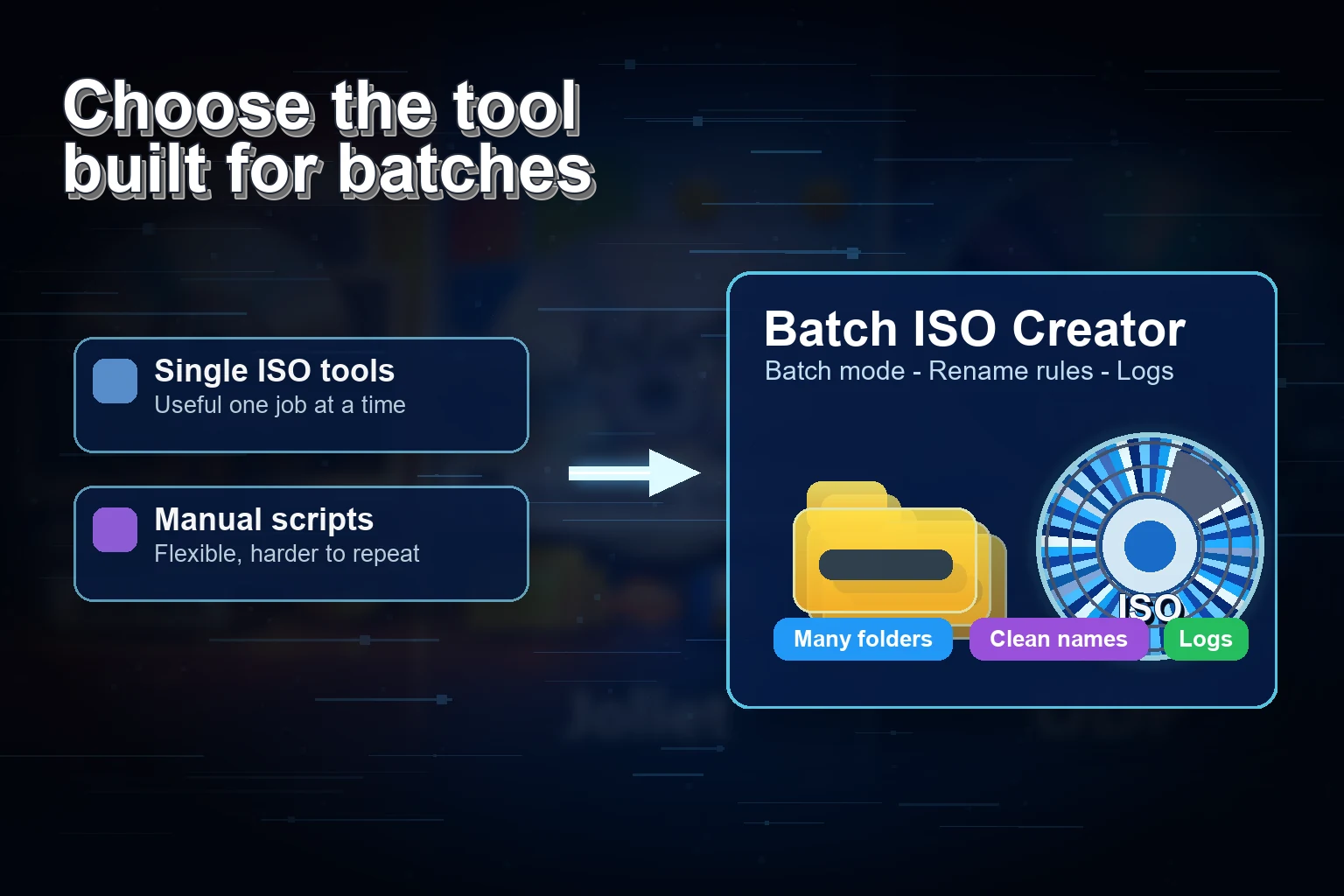
PowerISO is useful when you want a broad ISO suite. Batch ISO Creator is easier to sell when the job is narrower and more repetitive: many Windows folders to many clean ISO files.
PowerISO has been around for a long time, and its official tutorial clearly documents that it can create ISO files from local files and folders. That makes it a legitimate choice for many image-building jobs. If your task is to build, edit, burn, or manage image files in a broad desktop suite, PowerISO can make sense.
But the buying question for Batch ISO Creator is more specific. What if you do not need a large ISO toolbox? What if you have a parent folder with many project folders inside it, and your goal is to turn that structure into a clean ISO library quickly?
Short answer: Use PowerISO when you want a general ISO image suite. Use Batch ISO Creator when your Windows workflow is folder batches, output naming, logs, and repeatable folder-to-ISO production.
Where Batch ISO Creator Wins the Sale
The strongest commercial angle is not to claim that a focused app replaces every feature in a broad suite. The stronger angle is that it removes friction from one painful workflow. Batch ISO Creator starts from the assumption that your files are already organized as folders and that you want one ISO per folder, not a long manual session.
| Need | PowerISO style | Batch ISO Creator style |
|---|---|---|
| Create an ISO from files/folders | Broad suite workflow with project-style controls | Focused folder-to-ISO workflow for Windows |
| Process many folder jobs | Best for deliberate manual builds | Batch-first flow for folder sets |
| Keep ISO filenames consistent | Manual naming decisions | Rename rules before the batch runs |
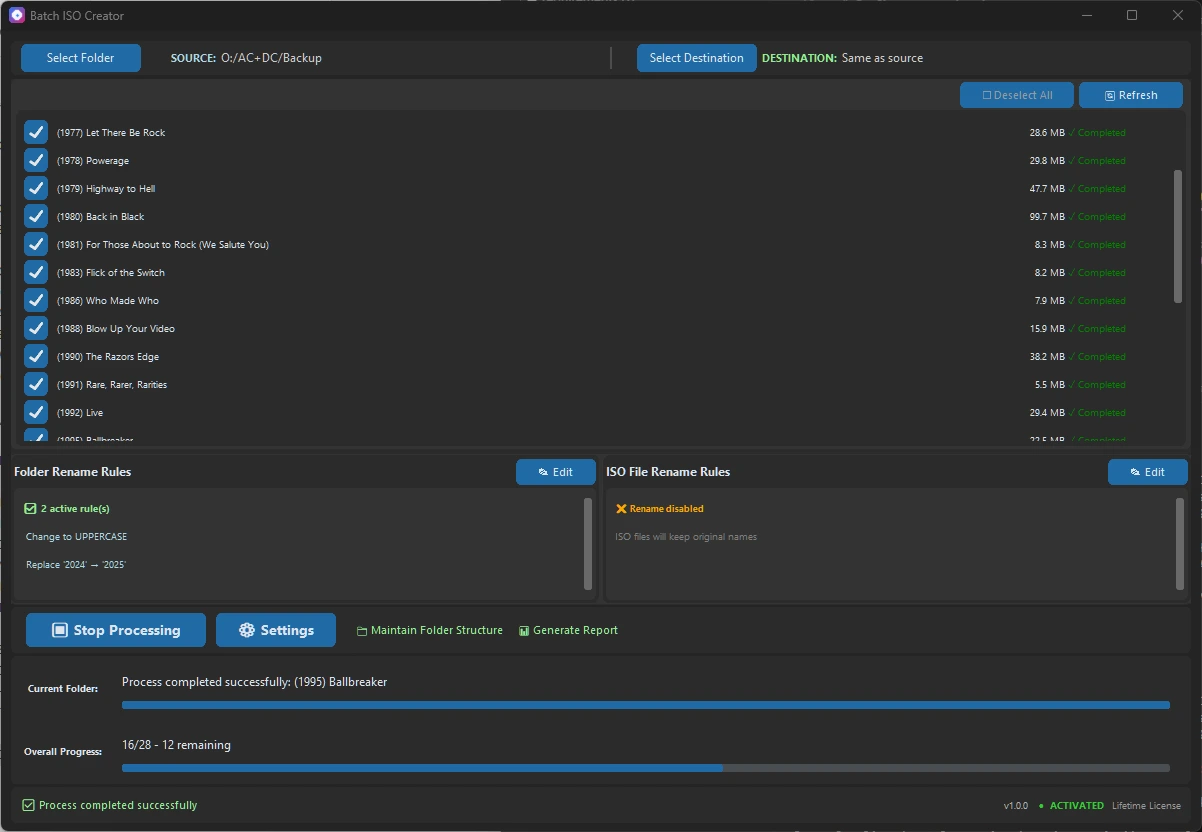
| Review high-volume output | Good for single build visibility | Progress, logs, and reports for batch jobs |
| Buyer fit | Users who want a general image tool | Users who want a faster folder packaging tool |
The Workflow Example
Imagine an IT folder like this:
D:\Offline Kits
|-- Browser Installers
|-- Printer Drivers
|-- Lab Utilities
|-- Vendor Manuals
The goal is not to open an ISO editor four times. The goal is to get four clean ISO files with names you can understand later. That is exactly the situation Batch ISO Creator is designed to make simple.
Best Fit Recommendation
Keep PowerISO in mind when you want a feature-rich image application. Choose Batch ISO Creator when the specific problem is bulk folder-to-ISO work on Windows. That narrower promise is easier for a buyer to understand and faster for a user to value.
Create Clean ISO Batches Without a Heavy Workflow
Batch ISO Creator starts at $2.99/month during the anniversary promo and includes all features on every plan.
Research Notes
This article references PowerISO's official tutorial: Create ISO file.