Folder to ISO vs ZIP: Which Is Better for Archives?
ZIP is the default answer for many people. ISO is the better answer when the folder needs to behave like a structured, distributable package.
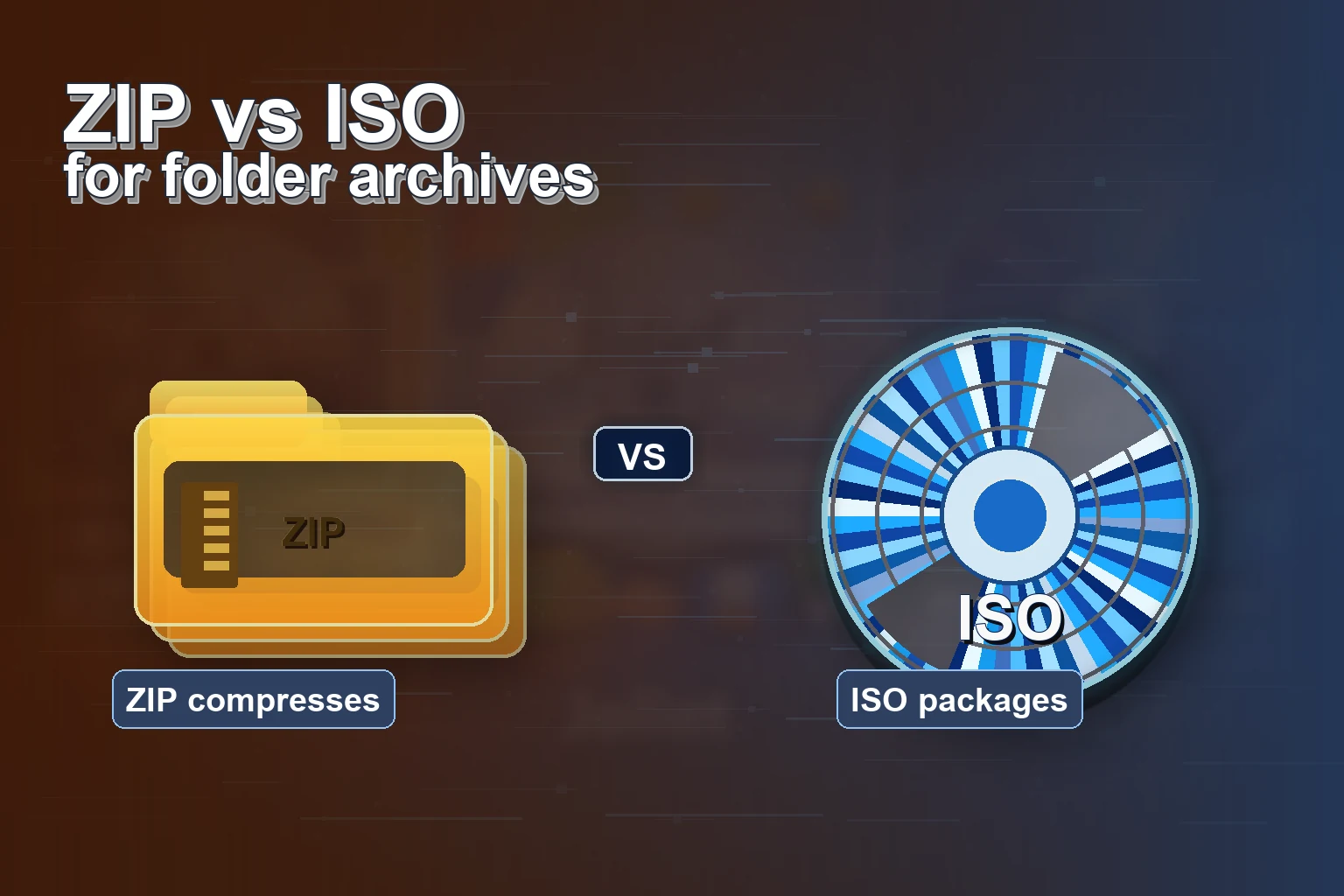
ZIP and ISO both wrap files into a single object, but they are not trying to solve the same problem. ZIP is excellent for compression, email attachments, and quick downloads. ISO is excellent when you want a folder to behave like a disc image: structured, predictable, and familiar to virtual machines, emulators, labs, and offline distribution workflows.
Quick answer: Use ZIP when you mainly need compression. Use ISO when you need disc-like structure, VM/emulator compatibility, or a repeatable folder archive workflow. Batch ISO Creator creates the ISO; Windows or another ISO tool handles opening or mounting it afterward.
Comparison Table
| Need | ZIP | ISO |
|---|---|---|
| Compression | Usually better | Not the main goal |
| Mount as virtual drive | Not native behavior | Strong fit |
| Preserve folder structure | Good | Good |
| Software distribution | Fine for downloads | Better for disc-like packages |
| Virtual machines and emulators | Often not ideal | Common fit |
| Many folder packages | Possible, but naming gets messy | Cleaner with a batch ISO workflow |
When ISO Makes More Sense
ISO shines when the folder is not just a compressed bundle but a package someone will open with an ISO tool, inspect, burn, store, or pass to another system. This is common for installer kits, course material, lab files, release snapshots, and structured backups.
The format also encourages a cleaner archive habit. A folder becomes a standard ISO image with a predictable name. That makes ISO useful when the archive needs to be browsed later rather than simply extracted once.
Where Batch ISO Creator Fits
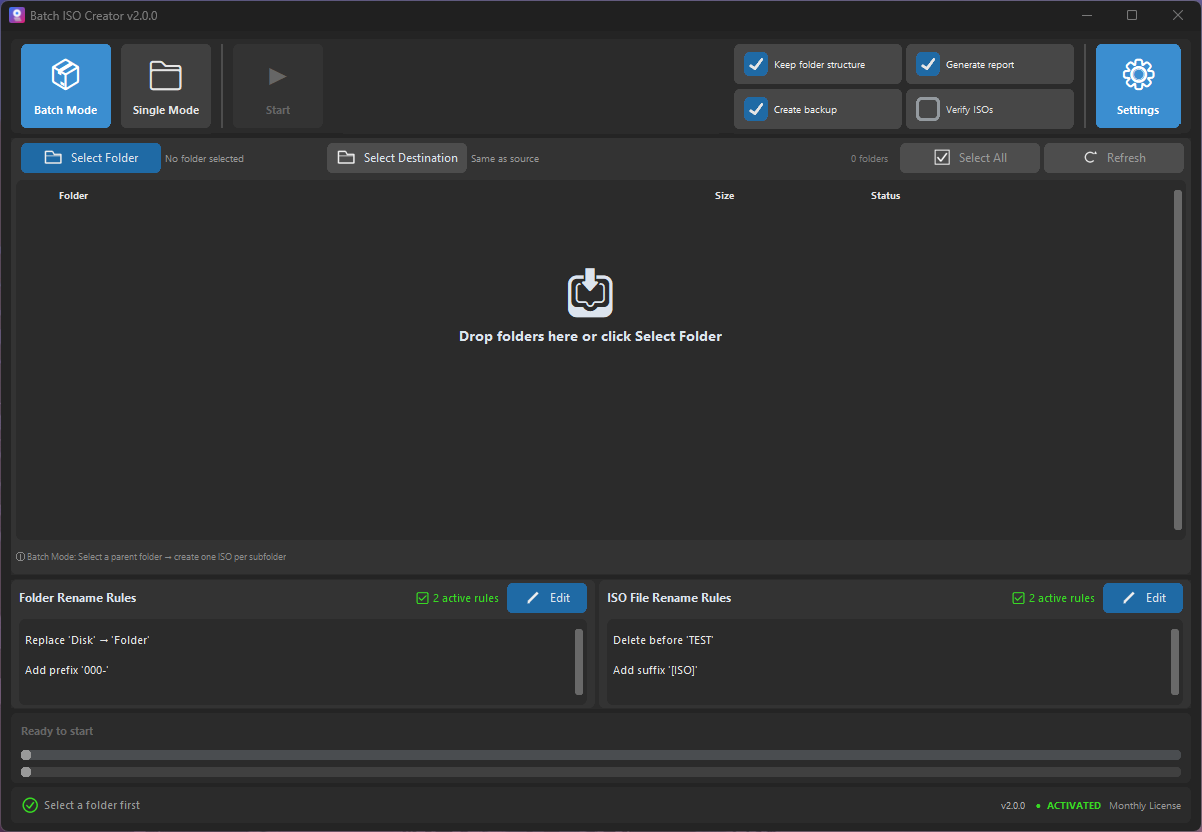
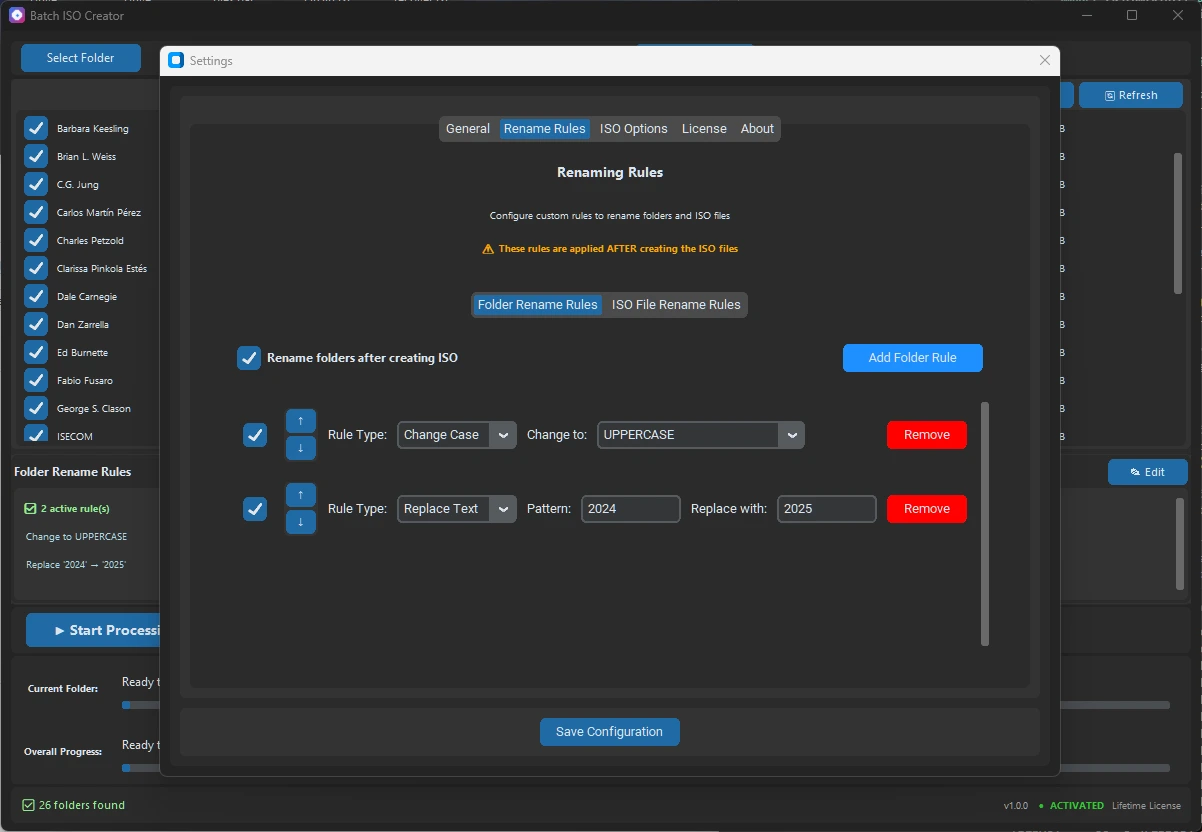
Batch ISO Creator makes ISO practical when you have many folders to package. Instead of making each ISO manually, you can process a folder set, apply naming rules, and review logs after the run.
Practical Recommendation
If you are sending a few files to someone, ZIP is probably enough. If you are packaging structured folders for long-term archives, offline software delivery, labs, VMs, or emulators, ISO is often cleaner. And if you are doing that for many folders, use a batch workflow instead of repeating a one-folder tool.
Turn Folder Archives into Clean ISO Files
Use Batch ISO Creator to convert many folders into standard ISO files with rename rules and logs.