ISO Workshop Alternative for Batch ISO Creation
ISO Workshop is approachable and useful for general ISO tasks. Batch ISO Creator is the better commercial fit when the job is a Windows folder library that needs clean batch output.
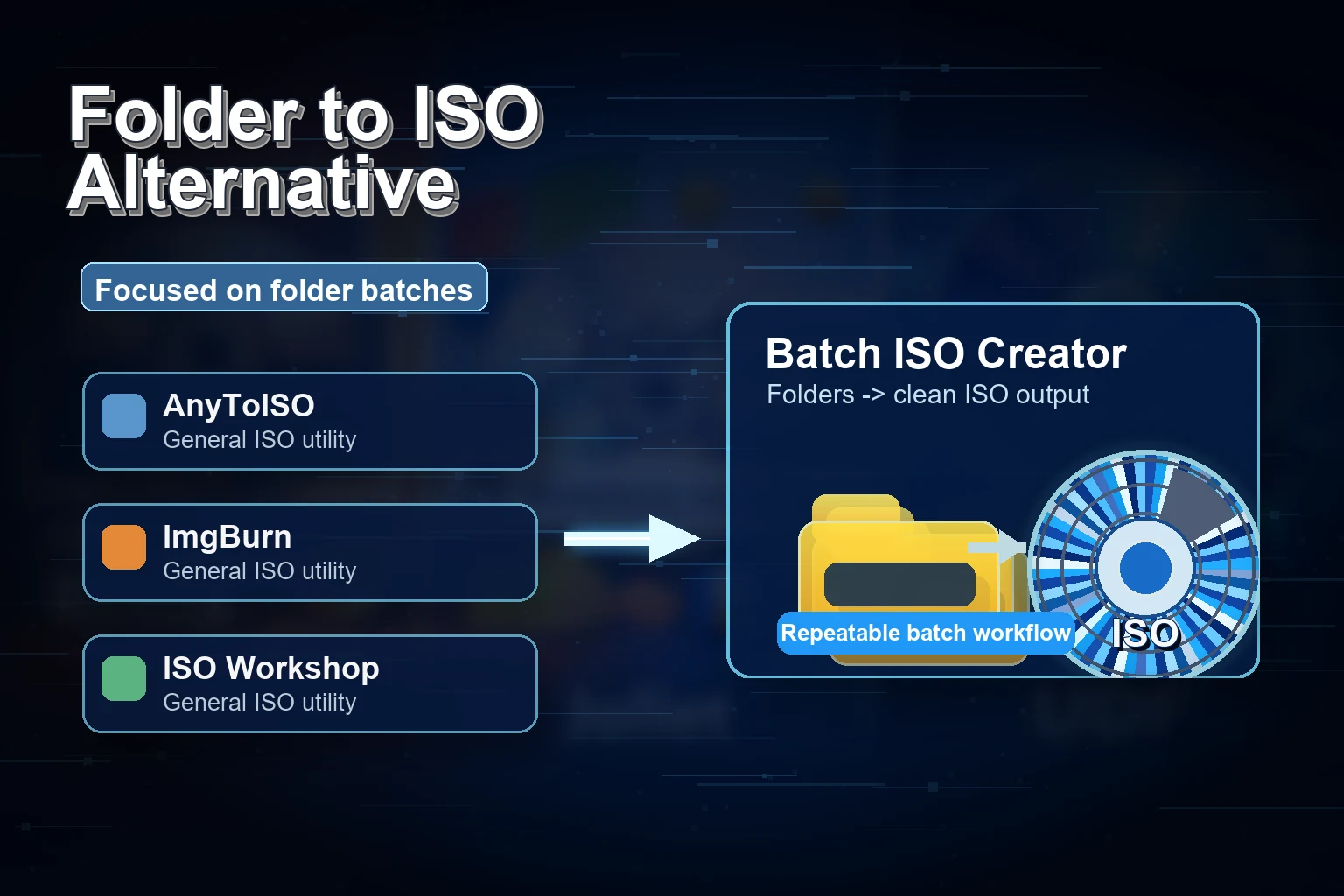
Glorylogic describes ISO Workshop as a Windows desktop application for ISO image management, conversion, disc burning, and copying. That broad positioning is useful for many people. It gives users a friendly interface for common ISO operations.
Batch ISO Creator takes a more specialized path. It does not try to win every ISO use case. It tries to win the one that becomes expensive through repetition: converting many folders into many ISO files while keeping the output readable.
Commercial angle: ISO Workshop is a good general ISO utility. Batch ISO Creator is easier to justify when the buyer has bulk folder-to-ISO work and cares about naming, logs, and repeatability.
Compare the Workflows That Matter
| Workflow | ISO Workshop fit | Batch ISO Creator fit |
|---|---|---|
| Create, extract, convert, burn, copy | Strong broad utility fit | Intentionally focused on creation from folders |
| One ISO from one folder | Friendly option for occasional jobs | Folder Mode for direct folder-to-ISO output |
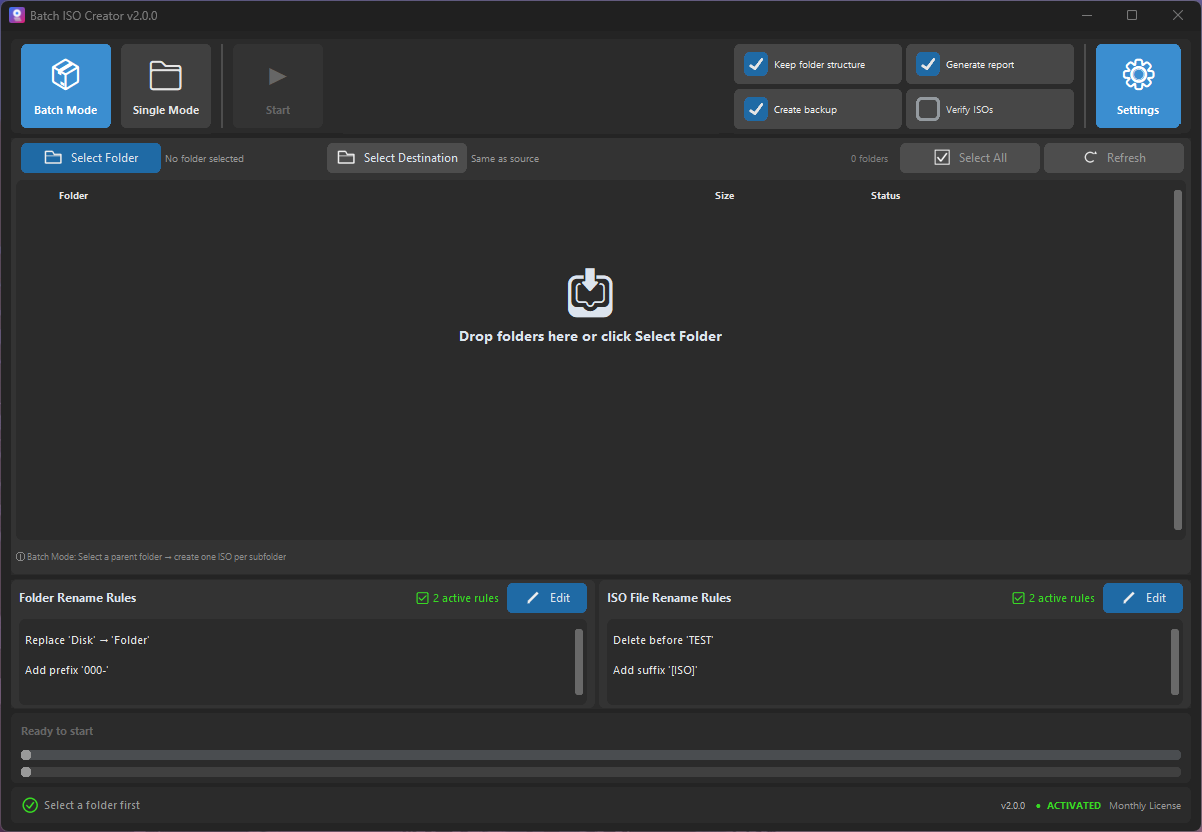
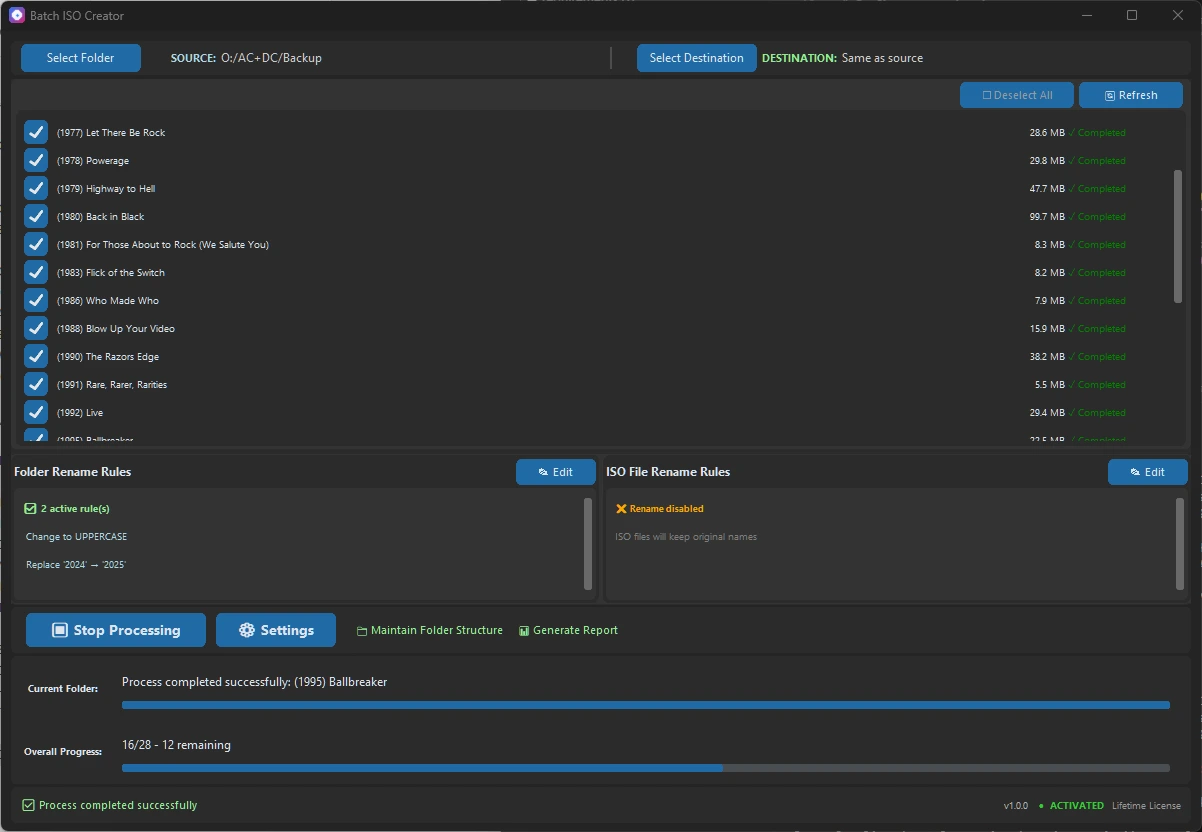
| Many folders to many ISOs | Best when the job is still small or occasional | Batch Mode is the core workflow |
| Clean filenames at scale | Manual organization before or after | Rename rules before generation |
| Professional handoff | Good for simple output | Logs and reports make output easier to trust |
Why This Page Should Convert
The buyer who lands here probably already knows ISO Workshop exists. They are not looking for a lecture. They want to know whether there is a tool that makes a specific job less repetitive. The answer is yes: if the job is folder sets, Batch ISO Creator is the better fit.
Best Fit Recommendation
Use ISO Workshop if you want one approachable tool for several ISO management jobs. Use Batch ISO Creator if the valuable task is creating ISO files from Windows folders in a batch. That narrower purpose is why the app feels faster for the job it was built to do.
Turn a Folder Library into ISO Files
Batch ISO Creator gives you a direct Windows workflow for folder batches, rename rules, and clean output.
Research Notes
This article references Glorylogic's official site for ISO Workshop.