Mejor creador ISO para carpetas en Windows 11
Compara creadores ISO para carpetas en Windows 11 y elige el flujo correcto para lotes, nombres limpios, logs, reportes y revision local.
Leer Artículo
Guías, comparativas y tutoriales sobre creación de ISO en lote, conversión de carpetas a ISO y flujos ISO en Windows.
Compara creadores ISO para carpetas en Windows 11 y elige el flujo correcto para lotes, nombres limpios, logs, reportes y revision local.
Crea un ISO desde una carpeta en Windows 11 con un flujo local: prepara archivos, elige Folder Mode o Batch Mode, renombra, revisa logs y monta el resultado.
Compara convertidores online de carpeta a ISO con herramientas locales de Windows: privacidad, carpetas grandes, lotes, nombres, logs y reportes.
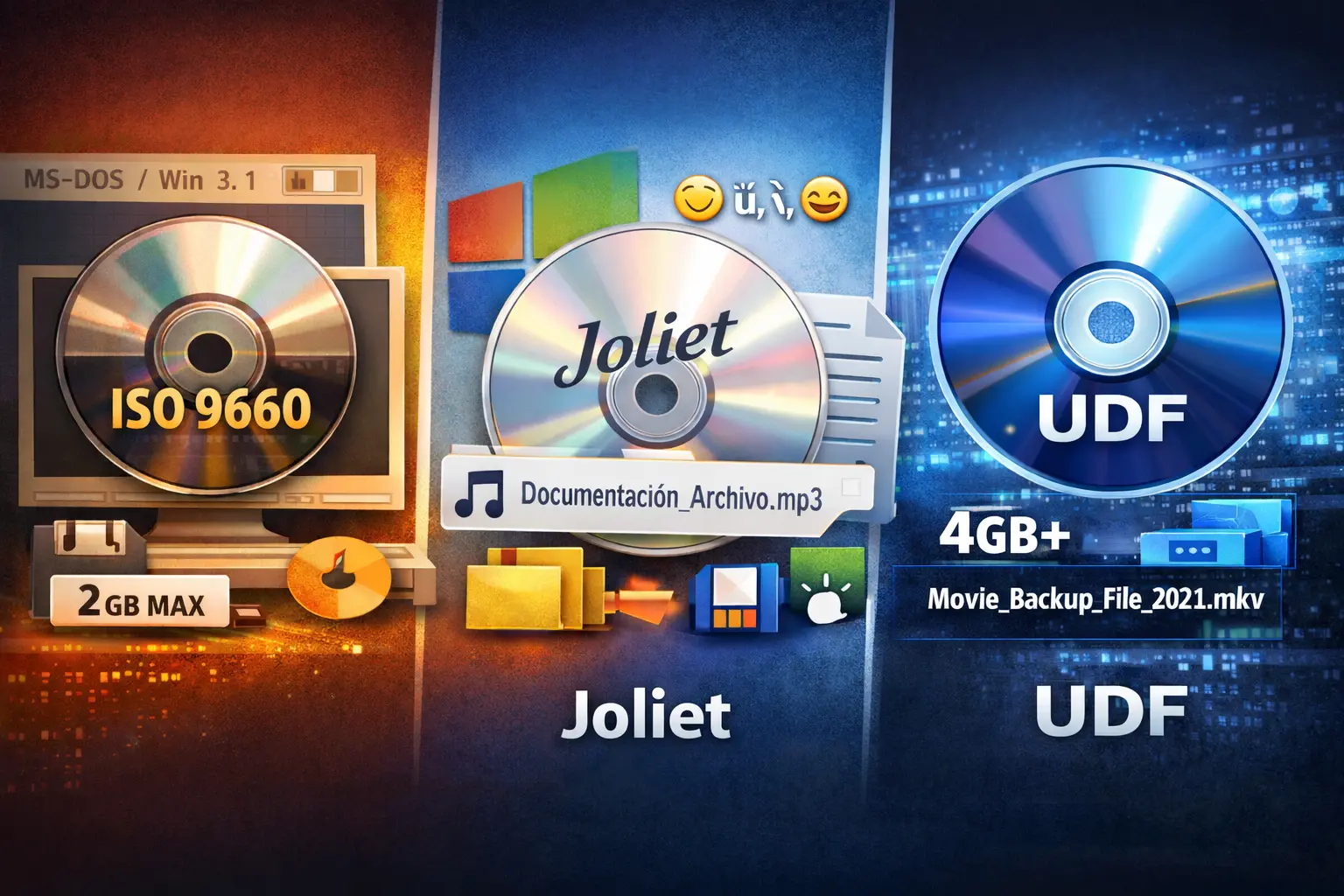
Compara UDF y Joliet para archivos ISO de Windows: límites, compatibilidad, nombres largos y cuándo conviene cada opción.
Aprende qué agrega Joliet a los archivos ISO, cuándo lo necesitan los usuarios de Windows y cómo evitar problemas de nombres al crear ISOs.
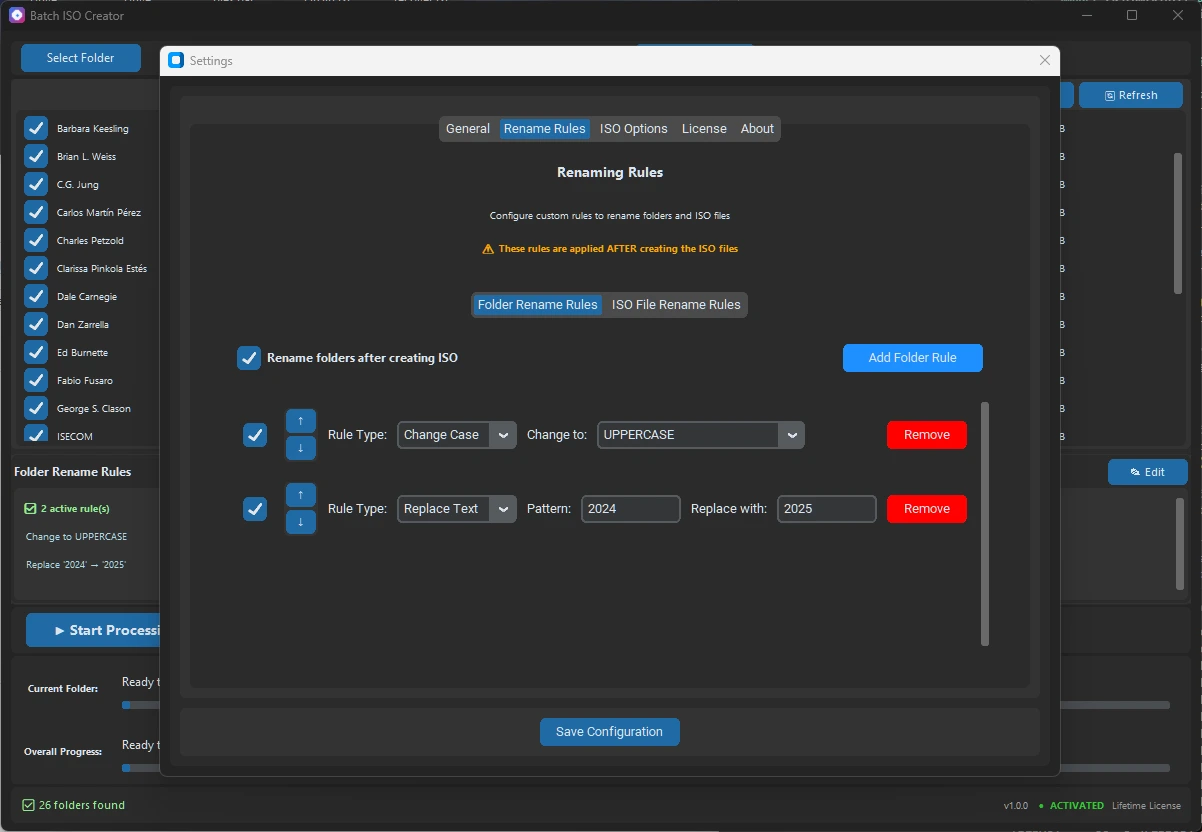
Evita nombres ISO duplicados en lotes de Windows con limpieza de origen, carpeta de salida, reglas de renombrado, serialización y reportes.
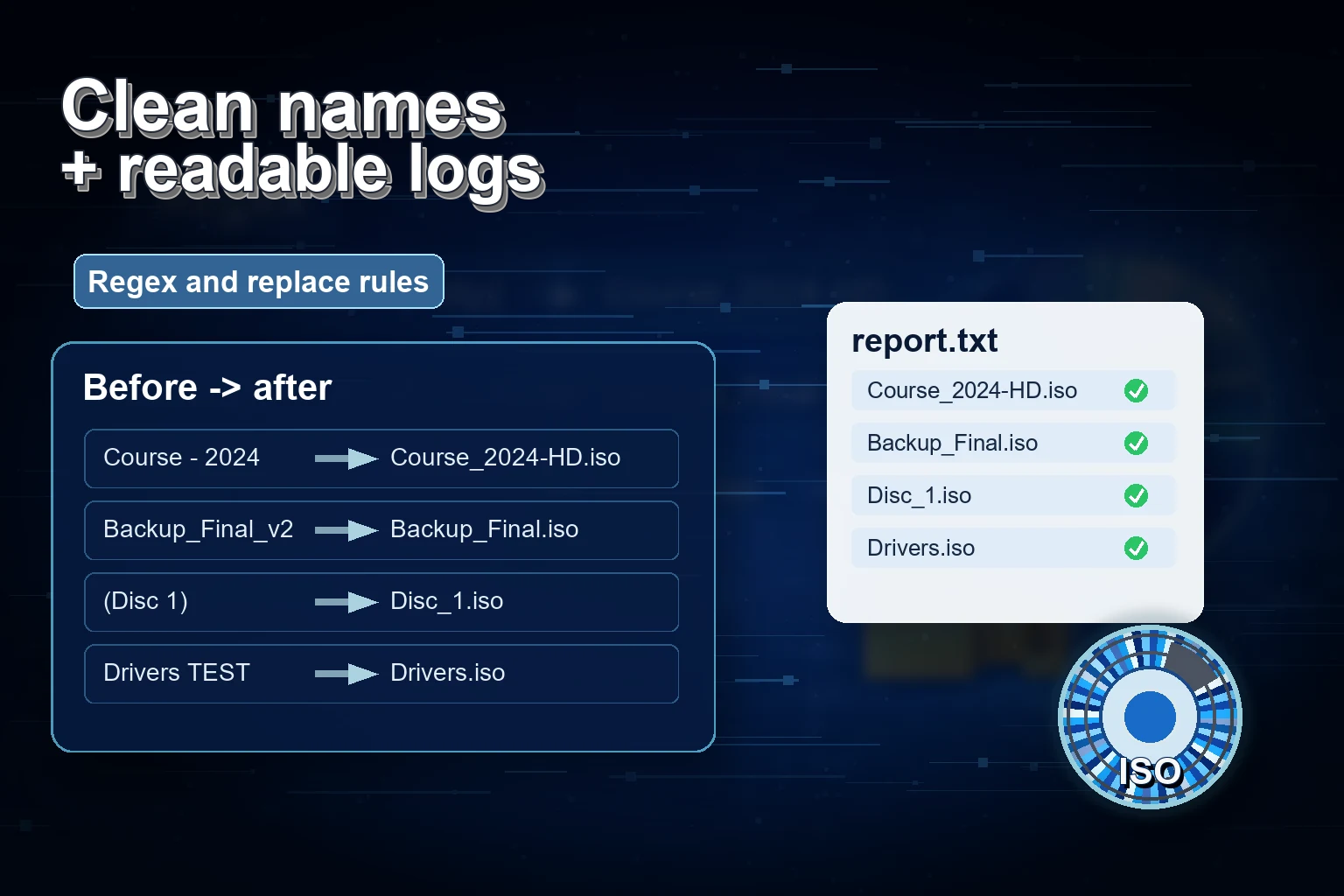
Soluciona fallos al crear ISO en Windows revisando nombres, rutas, espacio, destino, opciones ISO, logs y reportes por lote.
Elige dónde guardar ISOs antes de un lote en Windows: evita mezclar origen/salida, falta de espacio, sobrescrituras y entregas desordenadas.
Corrige caracteres no válidos en nombres ISO de Windows antes de crear archivos: carpetas limpias, etiquetas, reglas, logs y salida más segura.
Entiende qué hace mkisofs, cómo encajan ISO 9660, Joliet y Rock Ridge, y cuándo conviene un flujo gráfico en Windows.
Usa reglas de serialización para numerar nombres de carpetas e ISO en trabajos por lote de Windows, con ejemplos de salida limpia.
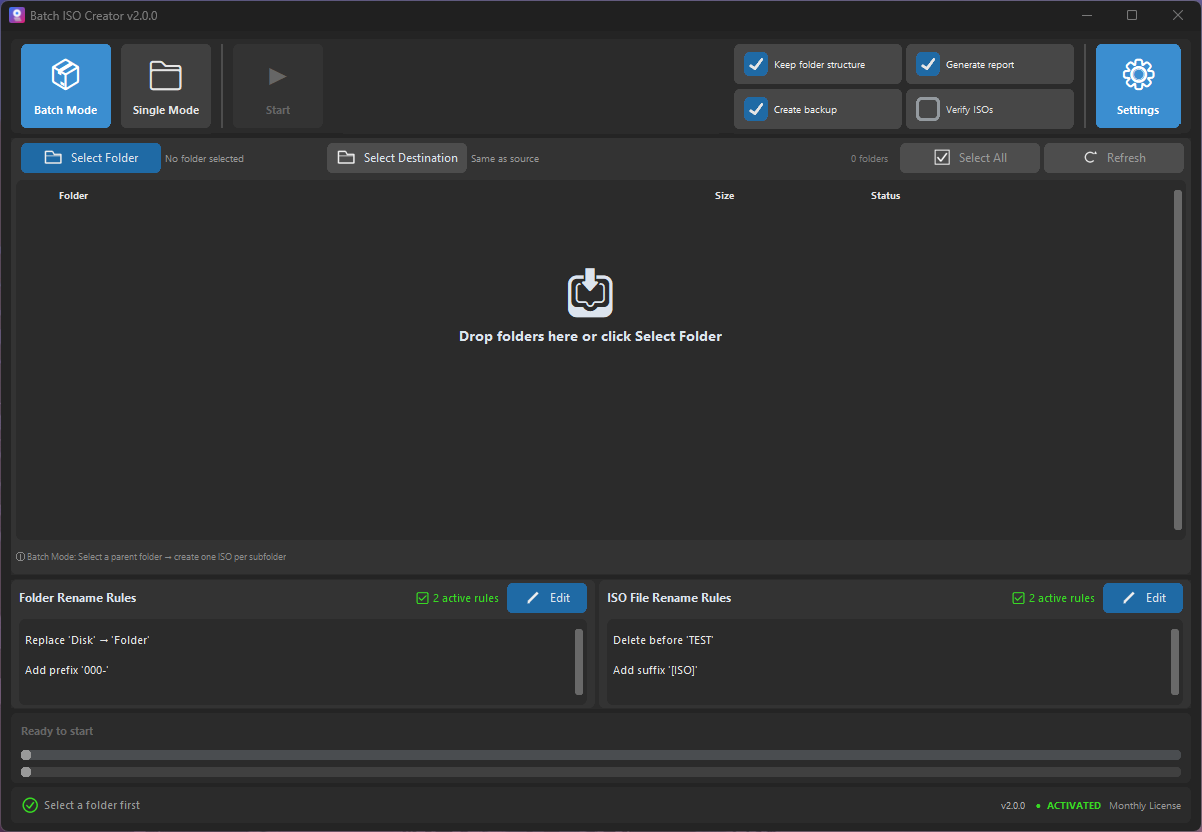
Organiza ISOs en Windows después de crearlos: nombres limpios, montaje, revisión, reportes y cuándo usar ISO Library.
Elige Batch Mode o Folder Mode para crear ISOs en Windows: una prueba gratis, un trabajo controlado o un lote repetible.
Monta, revisa y documenta archivos ISO después de crearlos en Windows para confirmar estructura, nombres, logs y entregas.
Monta, abre y desmonta ISOs gratis en Windows, y usa Batch ISO Creator cuando el flujo carpeta a ISO necesita más control.
Aprende cuándo Rock Ridge importa en archivos carpeta a ISO, cómo se diferencia de Joliet y cómo elegir ajustes ISO seguros en Windows.
A practical checklist for folder names, ISO names, volume labels, Joliet Long, and rename rules before creating Windows-friendly ISO archives.
What Batch ISO Creator free mode covers, when one ISO per session is enough, and when repeated folder-to-ISO work needs unlimited output.
When to use Joliet Long, UDF, Rock Ridge, or rename rules before creating Windows-friendly ISO files from folders.
A practical guide for turning a parent folder into one clean ISO file per subfolder without repeating the same setup all afternoon.
A detailed guide to turning messy folder names into consistent ISO filenames before the final output reaches clients, archives, or teams.
A focused guide to the folder rename side of Batch ISO Creator, including how it differs from ISO file renaming.
A no-script workflow for users who want repeatable folder-to-ISO output without building and maintaining their own automation.
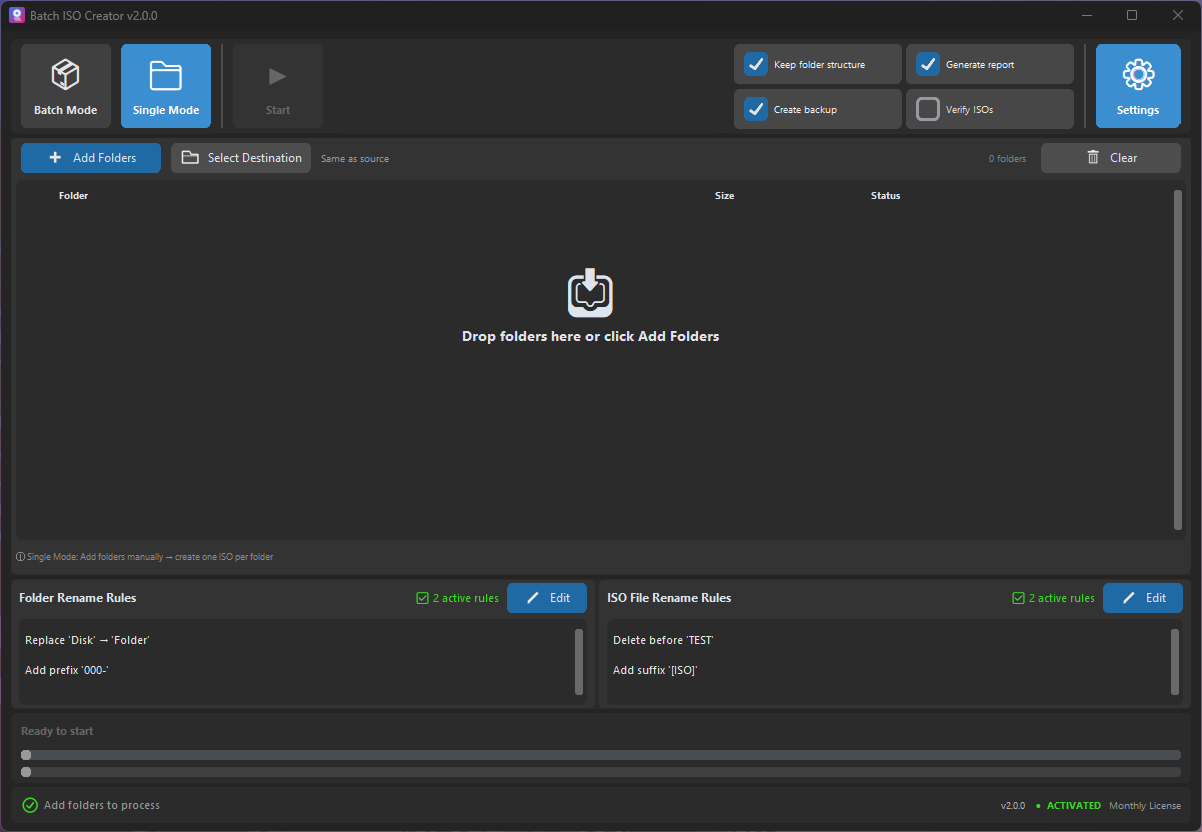
Aprende cuándo usar Folder Mode o Batch Mode para una carpeta, muchas carpetas, drag and drop, reglas y reportes.
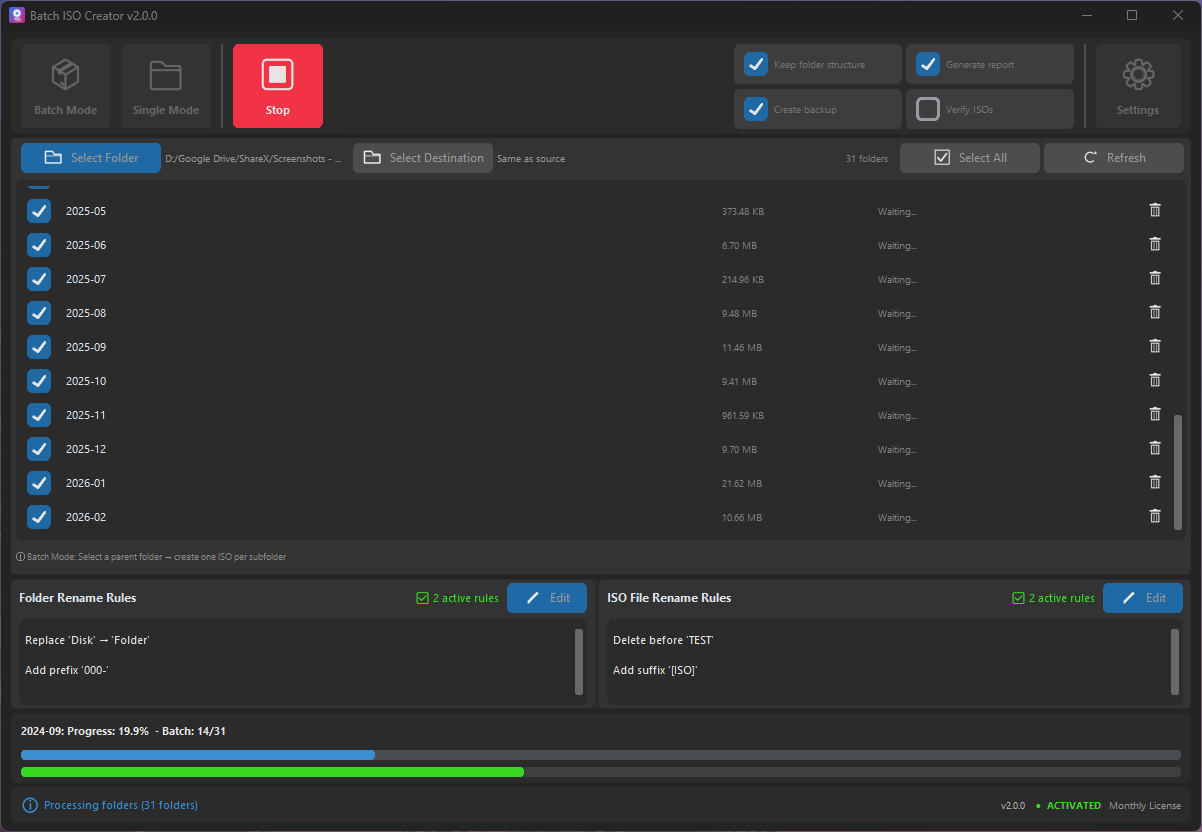
How IT technicians can package drivers, installers, utilities, and documentation into consistent ISO files without a slow manual loop.
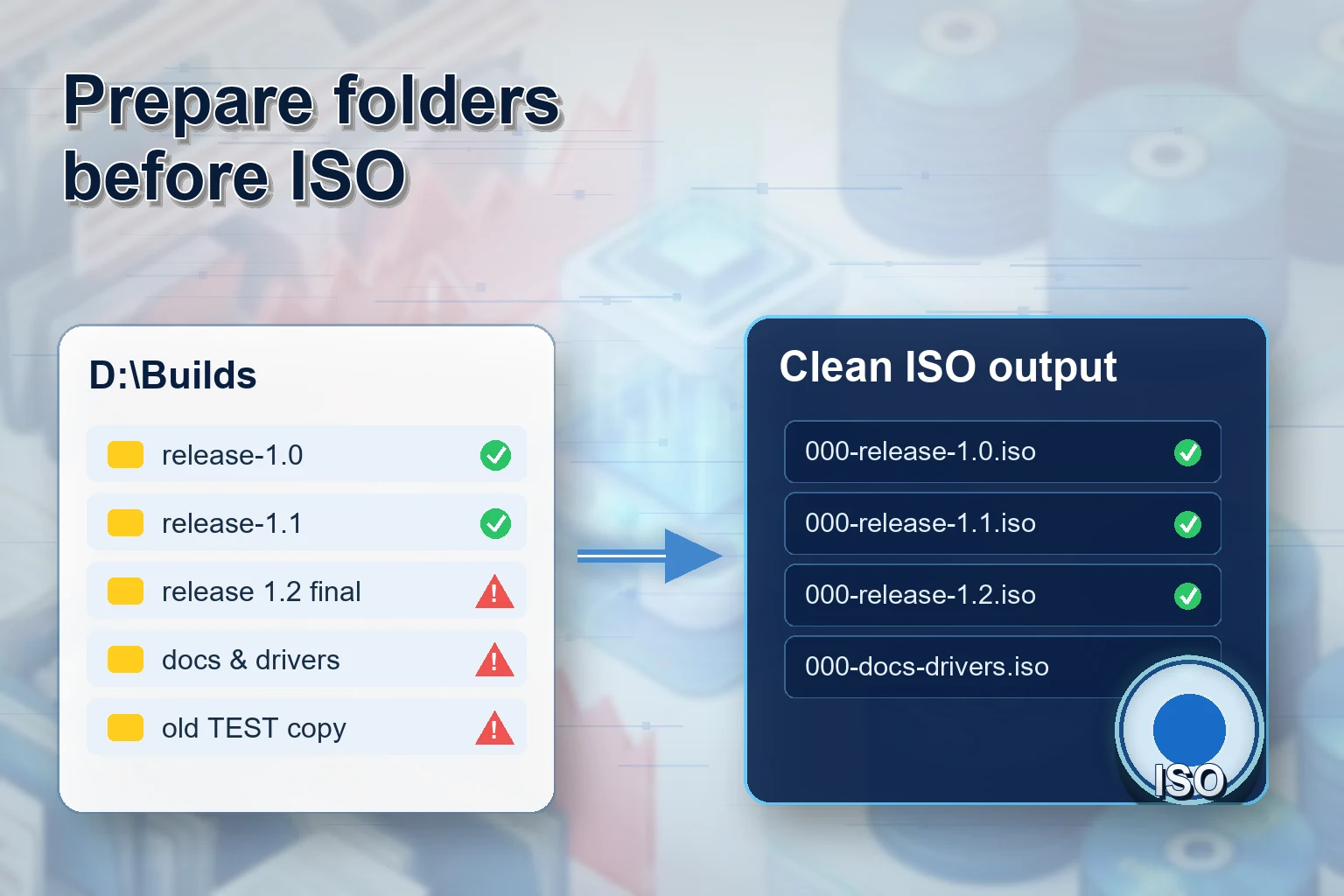
A release packaging workflow for teams that need clean versioned ISO files from build folders, client bundles, or offline installers.
A detailed checklist for turning client folders into professional ISO deliverables without sounding pushy or overcomplicated.
A practical archive workflow for turning completed project folders into ISO images that are easier to store, search, and reopen.
Turn course folders and lab kits into mountable ISO files that are easier to distribute, store, and reuse across classes.
A conversion-focused guide for users who want the fastest path from folder set to batch ISO output.
Rule-by-rule examples for turning inconsistent folder names into archive-ready ISO filenames.
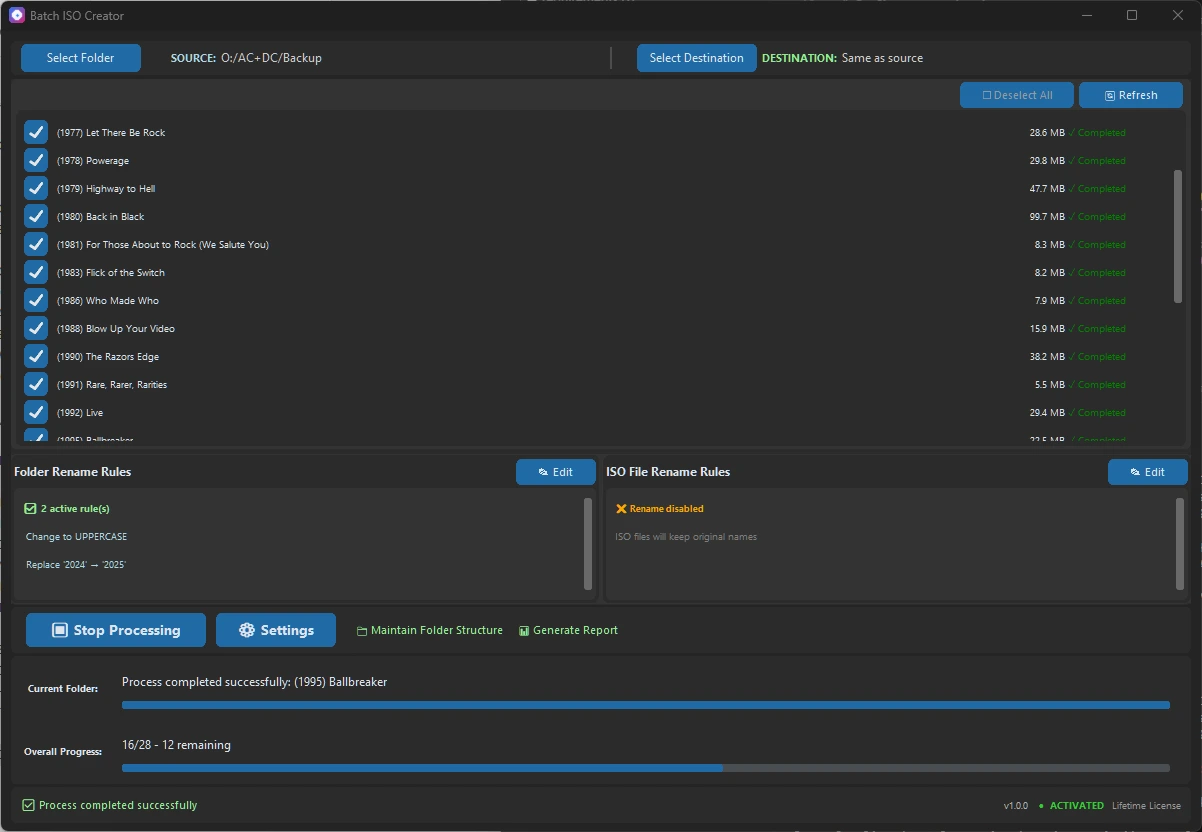
A reporting-focused guide for users who need proof, reviewability, and less uncertainty after a batch ISO run.
A VM lab packaging workflow for instructors, IT teams, testers, and anyone who attaches folders as ISO media.
A technician-friendly guide for creating model-specific driver ISOs that are easy to identify later.
A practical guide to avoiding the messy destination folder that usually appears after a big ISO batch.
A low-pressure buying guide for businesses that need organized folder archives without enterprise backup complexity.
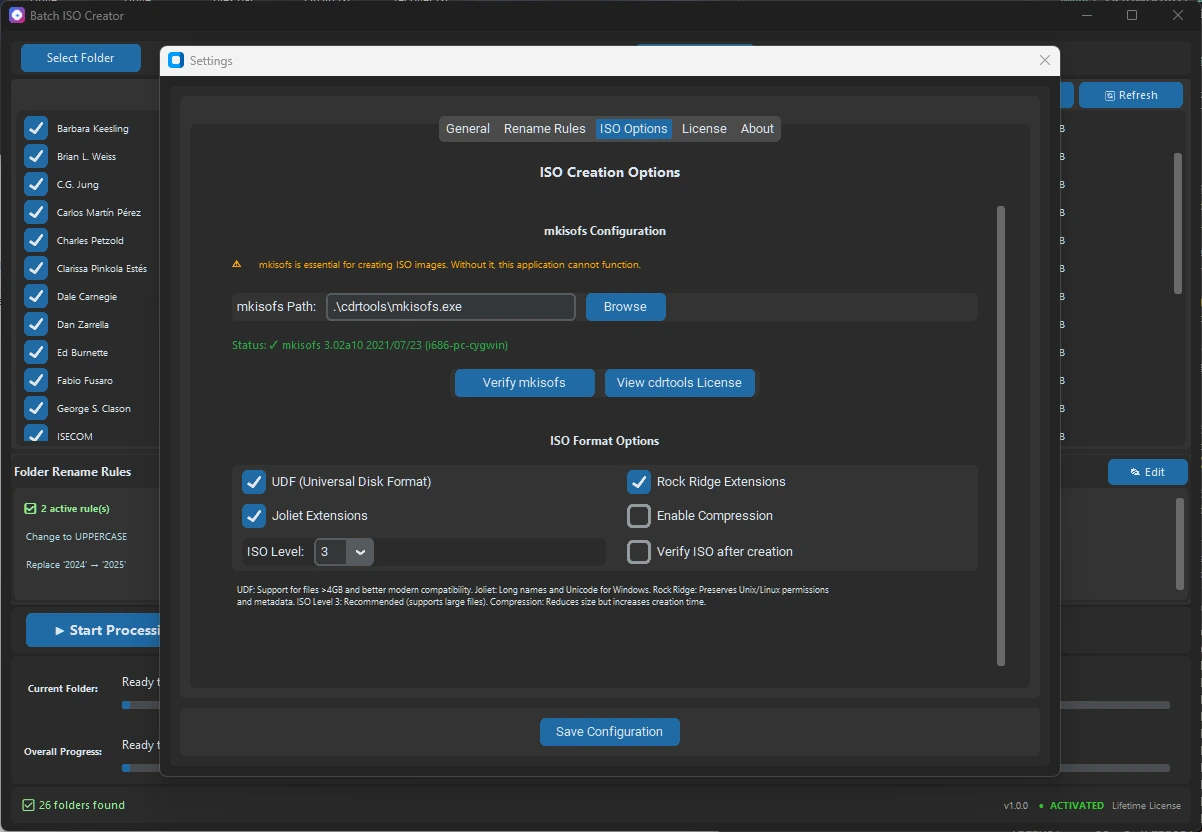
A feature-detailed guide that connects ISO compatibility options to real archive and delivery decisions.
A course-delivery workflow for trainers who need repeatable module packages instead of loose folders.
A final pre-download style checklist for users who want confidence before they buy or run a large batch.
Learn how to batch rename files while creating ISOs using Batch ISO Creator. Deep dive into Regex, Replace, Case conversion, and more to standardize your archives.
Understand the differences between ISO 9660, Joliet, and UDF file systems. Learn which format to choose for maximum compatibility and large files.

Understand why ISO filenames are limited to 64 characters and how to fix it automatically using Joliet Long or rename rules.
Learn why ISO backups beat ZIP for long-term archives: structure preservation, compatibility, and cleaner reuse across platforms.
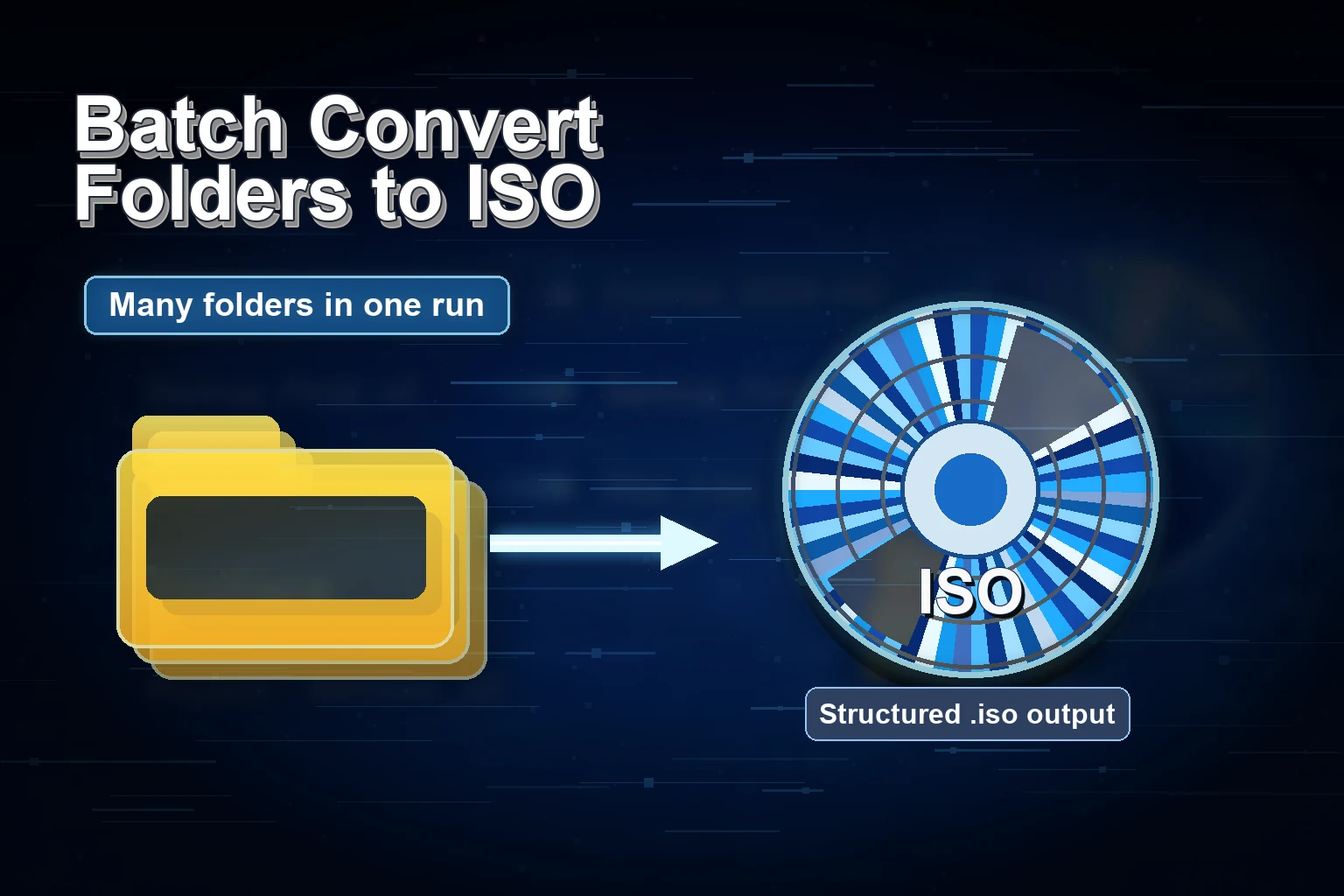
Step-by-step guide to batch convert multiple folders to ISO files on Windows 10/11 with Batch ISO Creator.
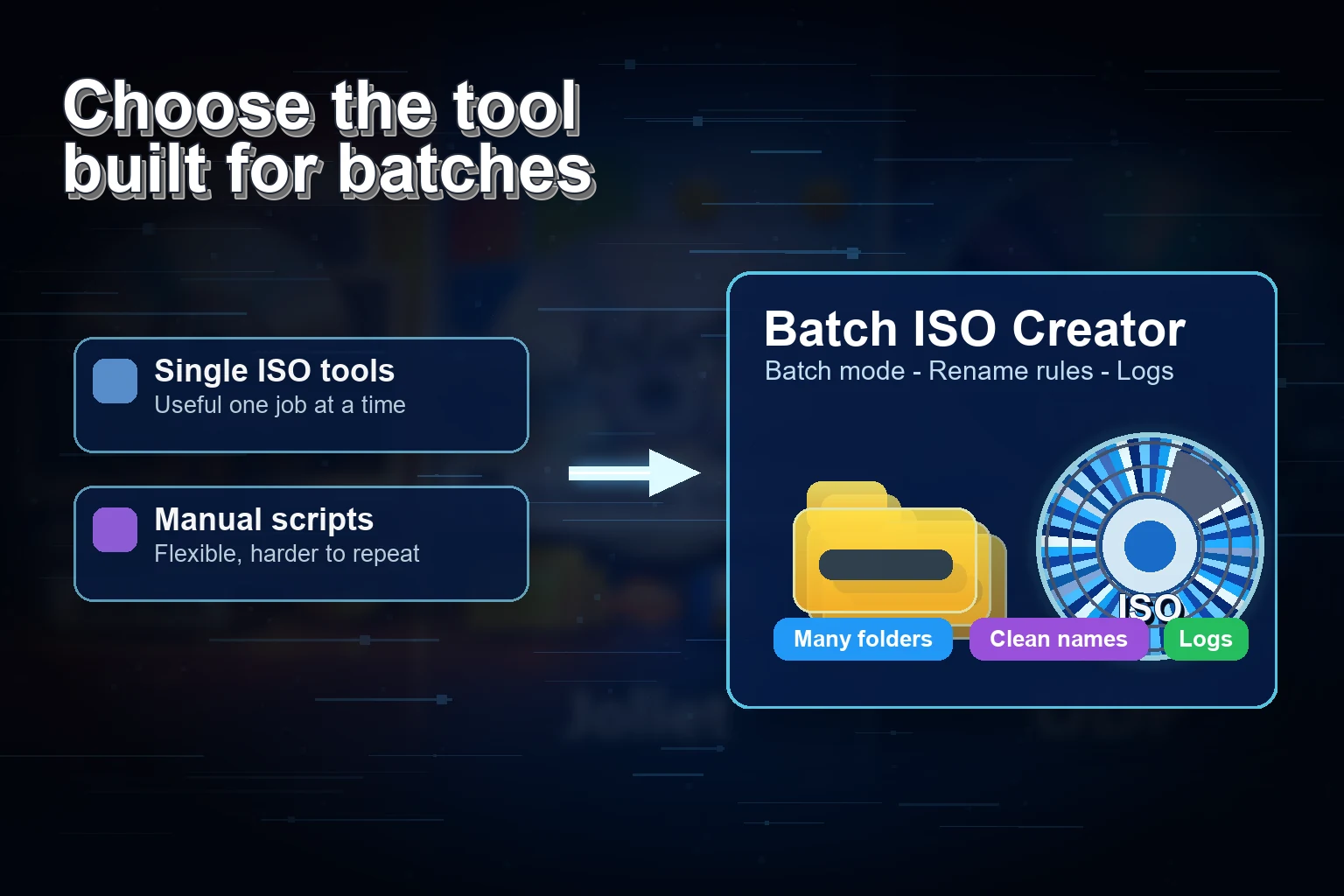
Compare top tools for batch ISO creation and see which folder-to-ISO converter delivers the best automation and logs.
Batch convert multiple folders to ISO files on Windows 10/11 with a fast, script-free workflow.

Batch ISO Creator is live on Product Hunt — a Windows app that batch converts folders to ISO with rename rules and logs.