Create ISO files from folders on Windows 11
Windows 11 can mount ISO files easily, but creating a clean ISO from folders is still easier with a focused tool. Batch ISO Creator adds the workflow Windows is missing: folder input, batch output, filename cleanup, and logs. It also includes a free ISO Mounting workflow for selecting, mounting, opening, and unmounting ISO images.
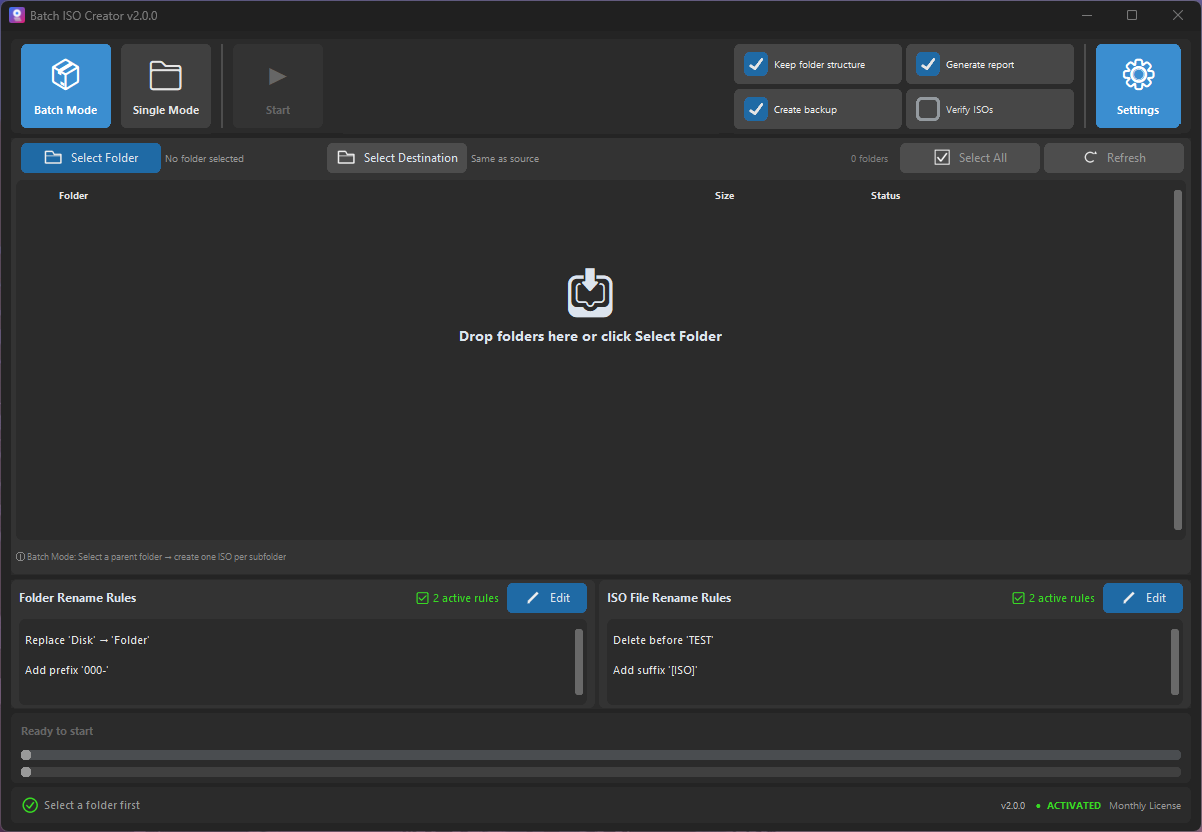
The Windows 11 workflow most people expect
Choose folders, choose output, set naming rules, create ISO files, and review the run. No script maintenance, no repeated manual project setup.
For one folder
Use Folder Mode when you need one ISO quickly and want a straightforward interface.
For many folders
Use Batch Mode for organized folder libraries, release sets, lab content, and archives.
For clean output
Use rename rules to replace messy names before they become final ISO files.
Windows 11 can mount ISOs. Batch ISO Creator helps you make and check them.
The built-in ISO mounting experience is convenient, but it does not solve bulk ISO creation from folders. Batch ISO Creator fills that gap for users who need to create ISO files regularly, keep output organized, and mount a finished image when they need to inspect it.
| Task | Best workflow |
|---|---|
| Mount an existing ISO | Use Batch ISO Creator ISO Mounting or Windows built-in mount support. |
| Create one ISO from a folder | Use Batch ISO Creator Folder Mode. |
| Create many ISOs from many folders | Use Batch ISO Creator Batch Mode. |
| Organize ISO files | Use ISO Library with a license. |
| Standardize ISO filenames | Use rename rules before generation. |
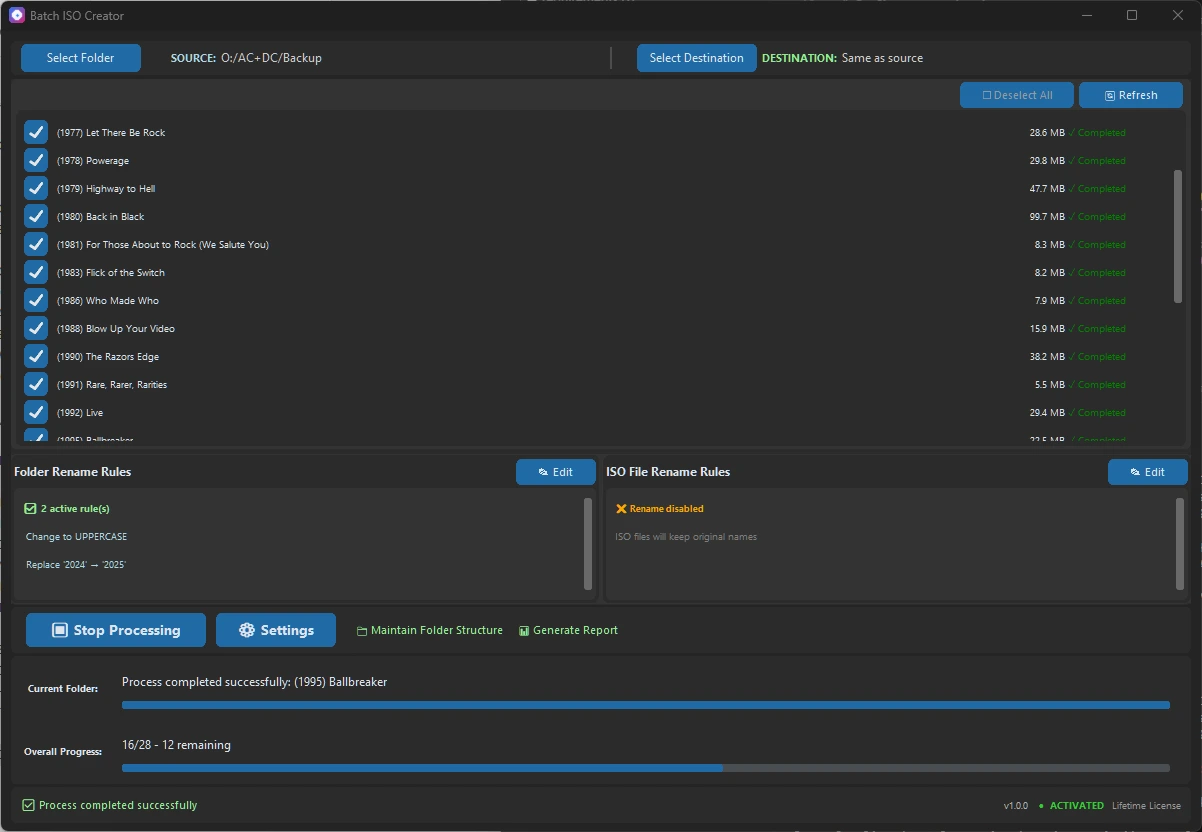
Give Windows 11 a real folder-to-ISO workflow
Download Batch ISO Creator and start creating clean ISO files from folders today.