ISO 9660 vs Joliet vs UDF: Which File System Should You Choose?
Understand the differences between ISO 9660, Joliet, and UDF file systems. Learn which format to choose for maximum compatibility and large files.
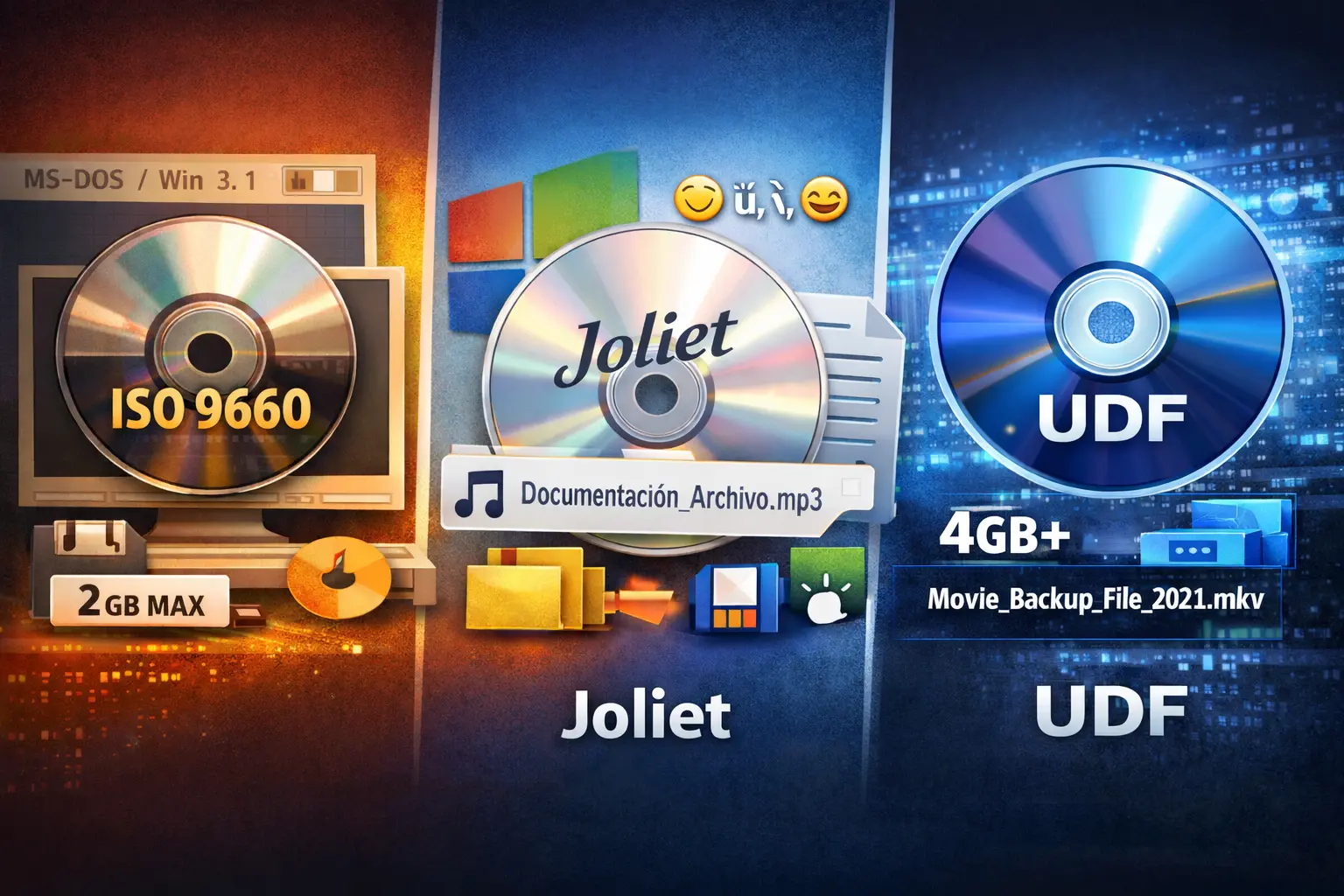
When creating an ISO file, choosing the right file system can be confusing. You are often presented with acronyms like ISO 9660, Joliet, and UDF (Universal Disk Format). Which one should you select for your backups?
In this guide, we'll break down the differences, pros and cons of each, and help you make the right choice for your needs.
ISO 9660: The Old Standard
ISO 9660 (also known as CDFS) is the original standard for CD-ROM file systems. Published in 1988, it was designed to ensure that a CD could be read on any operating system—Windows, Mac, Linux, DOS, and more.
Limitations
While compatible with almost everything, its age shows:
- Filename Restriction: In its strictest form (Level 1), filenames are limited to 8.3 characters.
- Directory Depth: Limits directory nesting to 8 levels deep.
- File Size: Maximum file size is strictly 2GB (or sometimes 4GB with extensions).
Verdict: Only use ISO 9660 if you need compatibility with ancient systems like MS-DOS or Windows 3.1.
Joliet: The Windows Extension
Microsoft introduced Joliet to overcome the strict limitations of ISO 9660. It functions as an extension on top of the standard ISO 9660 file system.
Key Features
- Long Filenames: Supports filenames up to 64 characters.
- Unicode Support: Allows non-English characters (like é, ü, ñ, and emojis) in filenames.
- Wide Compatibility: Read seamlessly by all versions of Windows since Windows 95.
Verdict: Joliet is excellent for broad compatibility, especially if your files have reasonable name lengths (under 64 characters).
UDF: The Modern Universal Standard
UDF (Universal Disk Format) is the successor to ISO 9660. It was originally designed for DVDs and later adopted for Blu-ray discs. Today, it is the de-facto standard for modern optical media and ISO archives.
Why UDF is Superior
- Massive Filenames: Supports filenames up to 255 characters.
- Large Files: Handles files much larger than 4GB.
- Cross-Platform: Natively supported by Windows, macOS, and Linux.
Verdict: UDF is the best choice for almost all modern uses.
Quick Comparison Table
| Feature | ISO 9660 | Joliet | UDF |
|---|---|---|---|
| Filename Length | 8.3 (Level 1) | 64 chars | 255 chars |
| Max File Size | 2GB / 4GB | 2GB / 4GB | > 4GB (Huge) |
| Unicode | No | Yes | Yes |
Conclusion
Stop worrying about compatibility errors. For 99% of users today, UDF is the answer. It handles your long vacation video filenames and massive archives without breaking a sweat.
Ready to archive your folders? Download Batch ISO Creator today and start organizing your digital life.
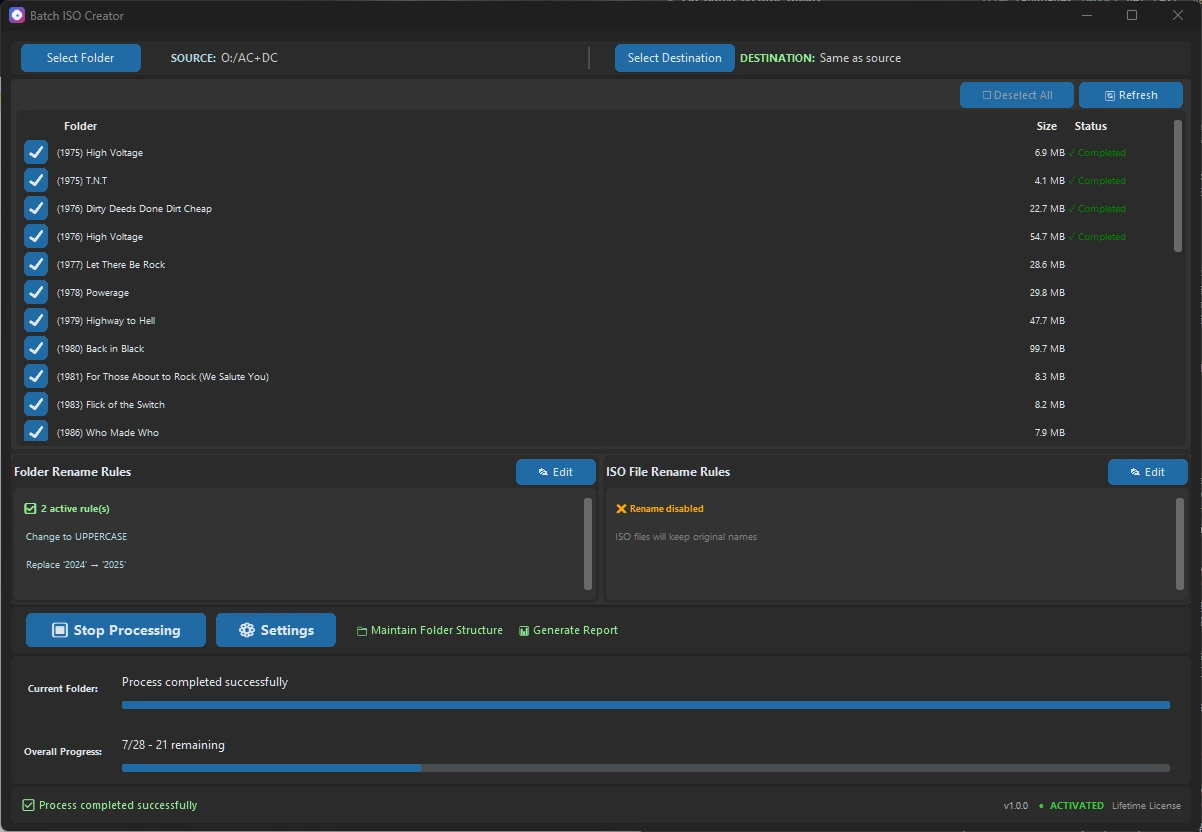
Ready to streamline your workflow?
Experience the power of batch ISO creation with Batch ISO Creator.
Download Now